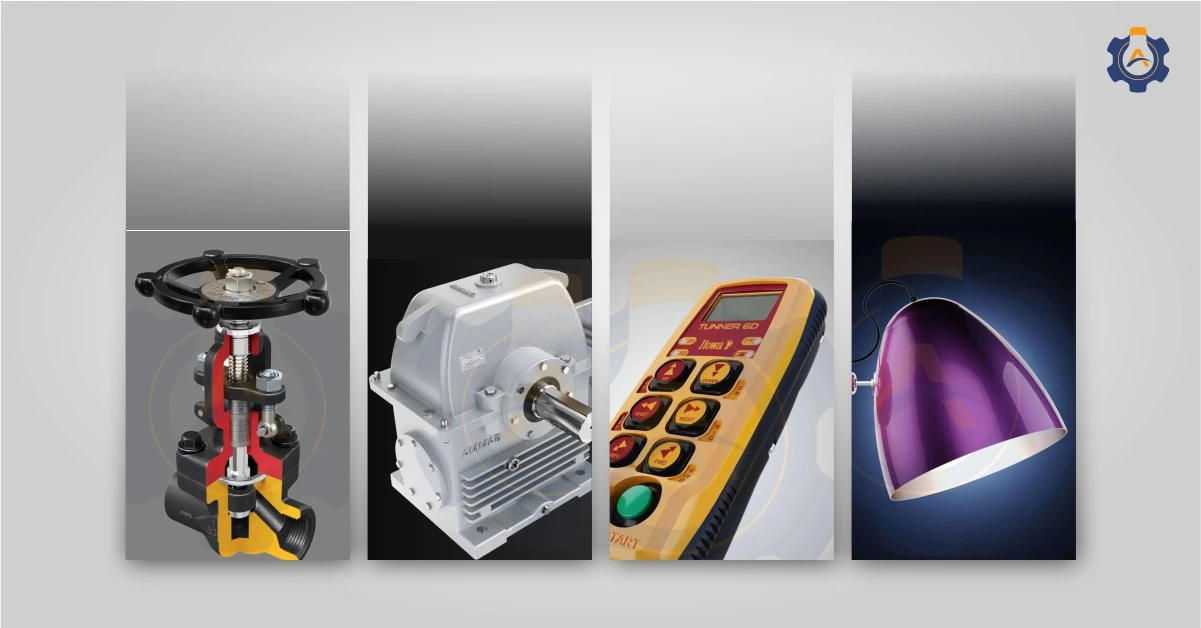
If you manufacture industrial valves, you already know the challenge. Your product is technically impressive. But explaining exactly how it works to a procurement head, a plant engineer, or a project manager sitting in a meeting room halfway across the world is not straightforward.
Product photos can show the design, shape, and finish. But they cannot clearly explain how a valve works from the inside. A 2D drawing also needs technical understanding, and sending a physical product for every demo is costly and not always practical.
This is where 3D animation helps valve companies present their products in a clearer, simpler, and more convincing way.
The Real Problem with Marketing a Valve Product
Industrial valve buyers understand technical products, but they are usually short on time. A procurement manager comparing three vendors may not read every datasheet in detail. They need to quickly see what makes your valve different, how it works, and why it is the right choice.
Sales teams in valve companies often spend too much time explaining the basics in client meetings. They have to explain how the valve opens and closes, what happens inside during operation, and why their sealing design is better.
That time could be used for stronger discussions around application fit, performance, pricing, and closing the enquiry.The problem is not a lack of information. It is a lack of the right format to communicate that information. 3D animation solves this directly.
What a 3D Valve Animation Actually Shows
A good 3D valve animation can explain things that a photo or brochure simply cannot show. It helps the viewer understand how the valve works from the inside and what happens during operation.
It can clearly show:
The internal flow path and how fluid or gas moves through the valve
The opening and closing action, whether it is rotation, lifting, or disc movement
Cutaway and cross-section views that reveal the seat, seals, packing, and other internal parts
Pressure zones and flow direction using colours for quick understanding
Fail-safe or emergency shut-off behaviour, which is especially important in oil and gas applications
In 60 to 90 seconds, the viewer can quickly understand how it works without reading long technical details. That is the real value of a valve working animation video. It makes the product easier to understand, faster to present, and more effective in front of decision-makers.
Also Read: The Complete Guide to 3D Product Animation
Want to show internal valve working that photos cannot capture?
Talk to Us
Where Valve Companies Are Actually Using These Animations
3D valve animation is not only used for marketing. Valve companies use it in many places where they need to explain the product clearly and quickly.
1. Trade shows and exhibitions
A looped animation on a booth screen can show how the valve works to every visitor, even when the sales team is busy.
2. Website product pages
Adding a valve animation video to a product page helps visitors understand the product better and spend more time on the page.
3. Sales presentations and client proposals
Sales teams can use the animation in meetings instead of only showing static slides. It helps them explain the valve operation more clearly.
4. Digital catalogues
A 3D product animation can make a valve catalogue more useful, engaging, and easier to share than a normal PDF brochure.
5. LinkedIn and social media
Short valve animation clips work well on LinkedIn, especially when they show internal movement, cutaway views, or flow direction.
6. Training and installation guides
Animation can also help technicians understand valve operation, assembly, maintenance steps, and correct installation positions through animated training videos that are far easier to follow on-site than a printed manual.
Your CAD Files Can Be Turned Into 3D Valve Animation
Many valve manufacturers think 3D animation means creating everything from zero. That is usually not the case.
If your engineering team already has CAD files, those files can be used as the base for animation. This includes SolidWorks, CATIA, Inventor, STEP, and other common engineering formats.
Arise3D can take these CAD models, clean them for animation, apply realistic materials, set up the camera movement, show the working mechanism, and render the final video.
So you are not starting from scratch. You are using the 3D model you already have and turning it into a clear sales, marketing, and product explanation tool. This saves time, reduces cost, and helps your team present the valve more effectively.
Convert your CAD files into a clear 3D valve animation for sales and marketing.
Contact Us
Types of Valve Animation Manufacturers Usually Need
Different valve companies need animation for different purposes. Some use it for sales, some for product pages, and some for training or installation support.
1. Product overview animation– This shows the valve from the outside, including its design, size, connection type, material finish, and branding. It is useful for websites, catalogues, presentations, equipment demonstrations and product launch videos.
2. Cutaway and cross-section animation- This is one of the most useful formats for valve manufacturers. The animation opens the valve body and shows the internal parts and in motion. It helps buyers clearly see the seat, seals, disc, stem, flow path, and working mechanism.
3. Installation animation- This shows the correct installation process step by step. It helps reduce mistakes on-site and makes the installation instructions easier for field teams to follow.
4. Operation and maintenance animation- This explains how the valve should be operated, serviced, inspected, or maintained. It is useful for technical manuals, training videos, and after-sales support.
5. Safety and fail-safe animation- This is useful for valves used in critical industries such as oil and gas, chemical plants, and process industries. It can show what happens during pressure changes, emergency shut-off, or failure conditions, helping buyers understand the safety function clearly.
Also Read: Industries Getting Best ROI from 3D Technical Animation
How Arise3D Created a Knife Gate Valve Animation from CAD Files
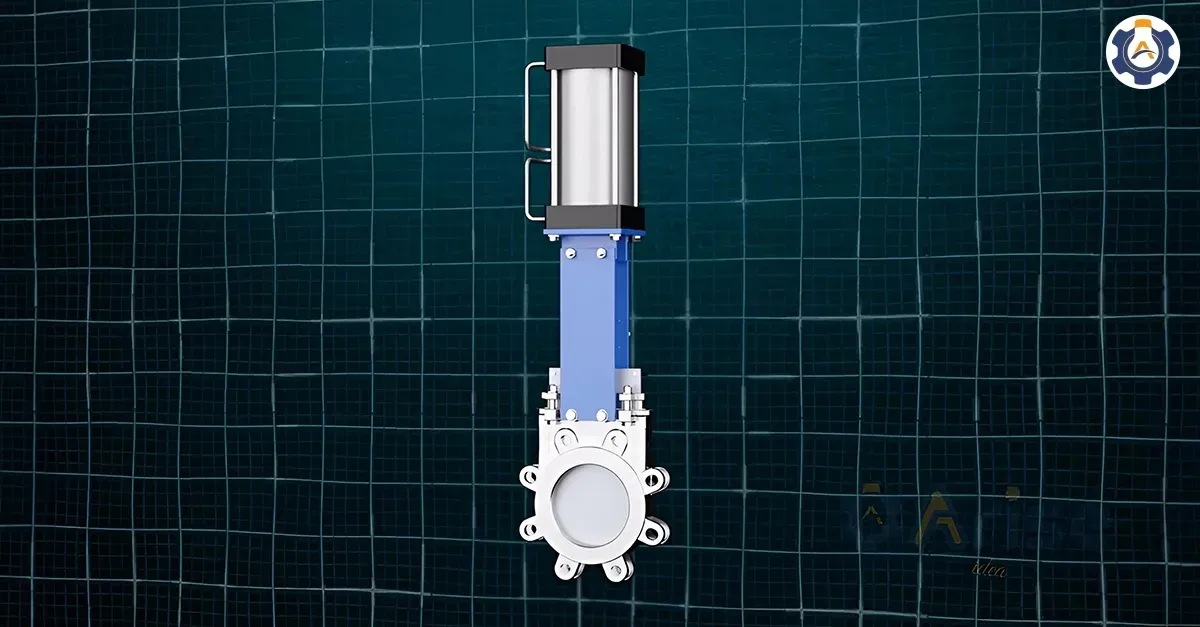
A valve manufacturer came to Arise3D with CAD files of their Pneumatic Knife Gate Valve. They needed a 3D animation video that clearly showed how the valve works and could be used for their website and product marketing.
The requirement was clear: demonstrate the valve’s working principle, highlight its key features, and deliver a video that could be used across sales presentations and digital marketing.
Using the CAD files, Arise3D created an animation that showed the full exterior of the lug-type knife gate valve, the pneumatic actuator operation, the internal gate sliding movement as it opens and closes, and how the sharp-edged gate achieves a non-clogging shutoff even with suspended solids in the flow media.
The animation also communicated where this valve is used – industries like pulp and paper, food and beverage, wastewater treatment, bulk handling, chemical plants, and mining. Buyers from these sectors could immediately see the product was built for their application.
The final video was delivered in MP4 format for website use and digital marketing. The manufacturer did not need to ship a physical product or build a demo setup. The animation explained the valve clearly, wherever it was shown.
Ready to present your valve without shipping a product or setting up a live demo?
Get In Touch
What Happens When You Work with Arise3D
The process is simpler than most valve manufacturers expect. You do not need an in-house animation team or a physical product demo.
1. Share your CAD files
You can share your existing SolidWorks, STEP, CATIA, Inventor, or other CAD files. If required, the files can be shared under NDA for confidentiality.
2. Explain what the animation should show
Arise3D discusses the purpose of the video, target audience, animation duration, and where it will be used, such as a website, exhibition, sales presentation, or training material.
3. Review the draft animation
A draft version is shared for review. At this stage, you can check the camera angles, movement, cutaway views, flow direction, and overall visual style.
4. Get the final video
After revisions, the final animation is rendered and delivered in the required format, usually MP4 for website, presentation, exhibition, or social media use.
Most single-product valve animations can be completed within two to three weeks, depending on the product complexity and animation requirements
Conclusion
If you manufacture valves and want to show your product working clearly, Arise3D can help you turn your existing CAD files into a professional 3D animation.
Show your valve in action without shipping a physical product or building a demo setup.