Workplaces today demand training that works.
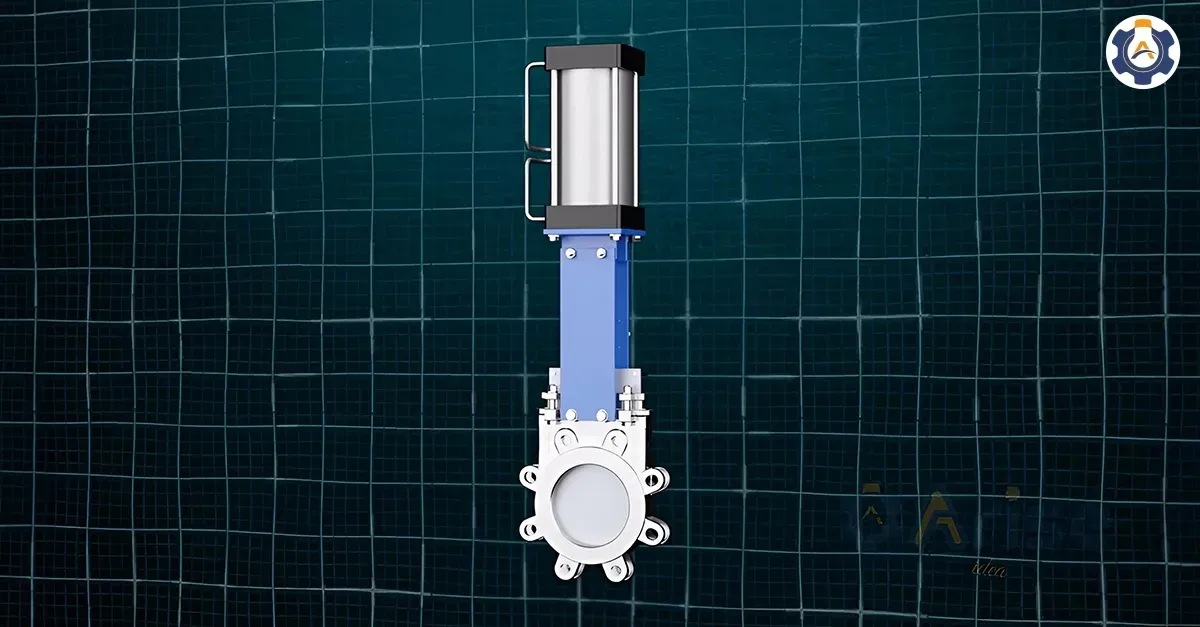
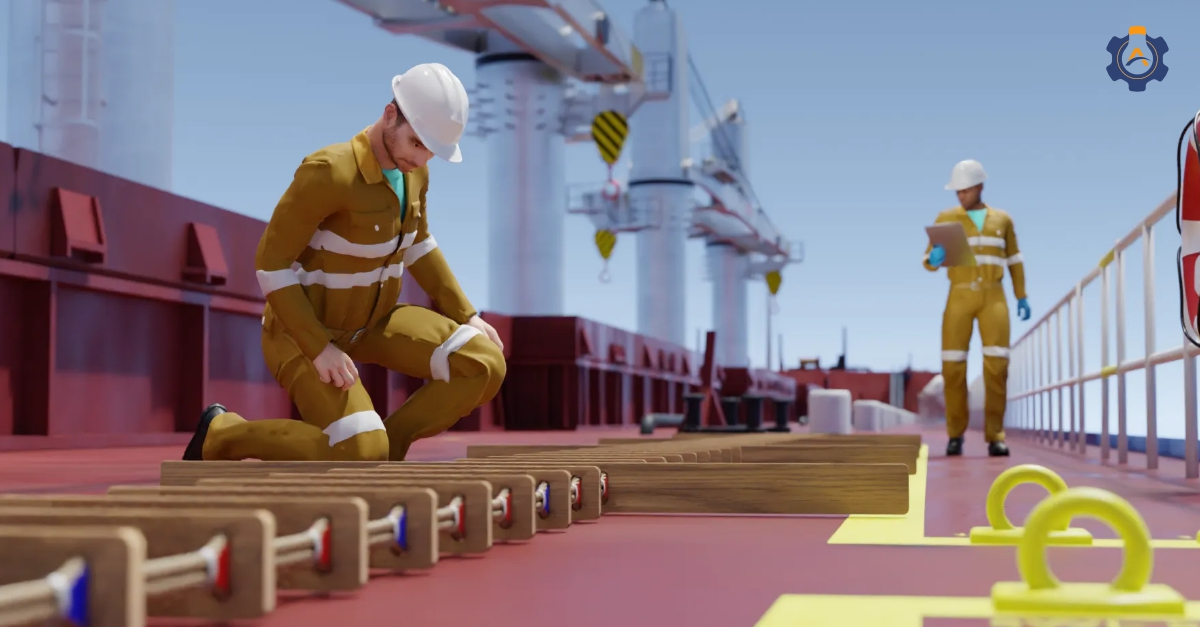
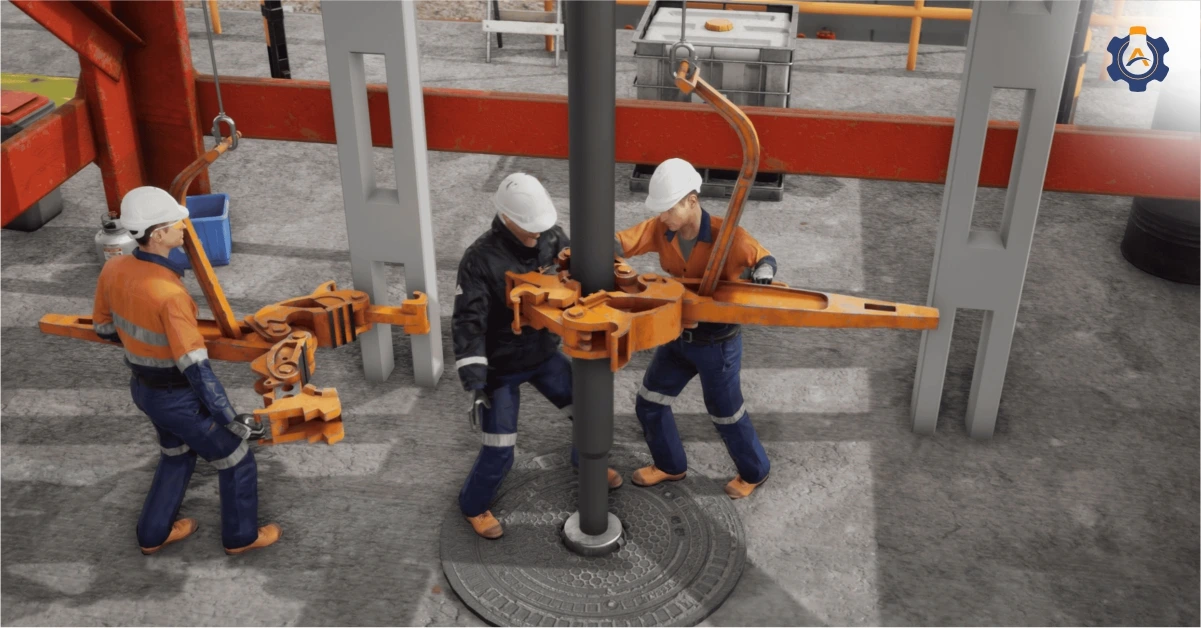
Animated training videos are a visual learning method that breaks down complex industrial processes into clear, step-by-step demonstrations. They show exactly how equipment operates, what safety protocols look like in action, and how procedures should be executed.
The practical impact is immediate: Workers get technical concepts faster, retain information longer, and apply skills more accurately.
Animated videos will eliminate confusion or questions by providing consistent, repeatable training experiences that traditional methods cannot match.
This proven approach bridges the gap between theoretical understanding and practical application, ensuring your workers master technical skills efficiently!
Key-Takeaways
Animated training videos simplify complex industrial and manufacturing processes into clear, repeatable instructions.
Strong visuals and storyboarding guide attention, improve retention, and reduce training confusion.
Professional production ensures technical accuracy, brand consistency, and compliance with safety standards.
Clear audio and voiceovers enhance understanding, keeping learners focused on critical details.
Tracking engagement and feedback helps refine videos for ongoing training effectiveness.
Key Elements of an Engaging Animated Training Video
1) Comprehensive Needs Assessment
Successful animated training videos begin with a thorough understanding of your training challenges.
This phase determines whether animation is the right solution and what specific outcomes you need to achieve.
Critical Assessment Areas:
Current training gaps and performance issues
Target audience technical competency levels
Existing training materials and their limitations
Safety requirements and compliance standards
Budget and timeline constraints
Arise 3D Approach –
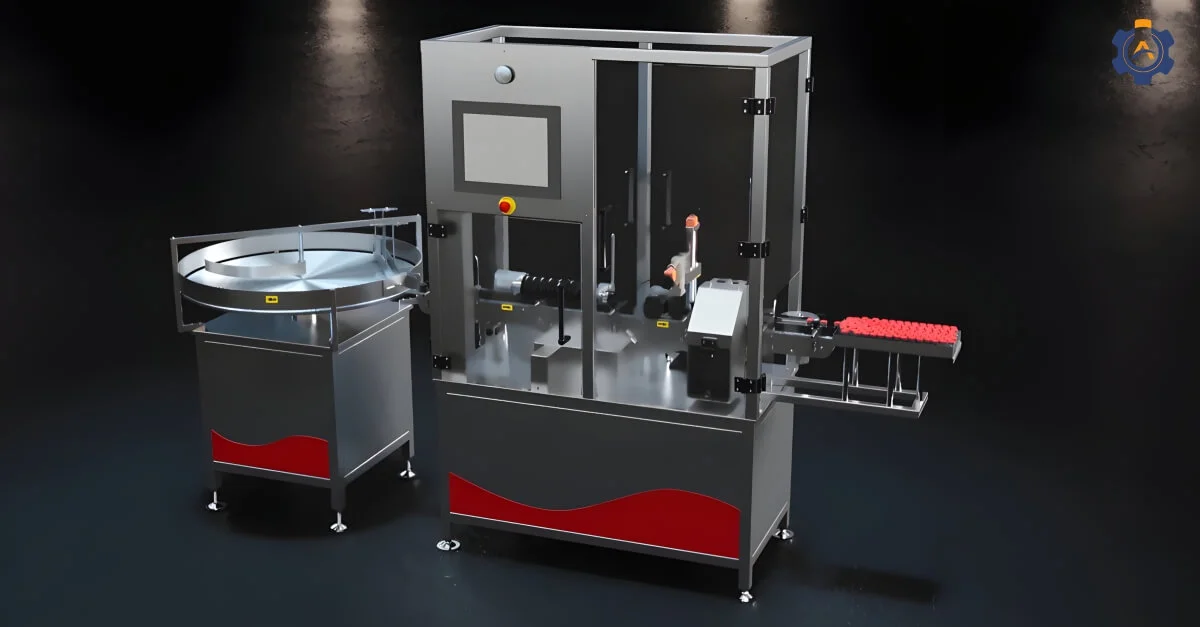
Our industrial clients often struggle with complex machinery training where traditional methods fail.
We conduct detailed technical assessments, reviewing equipment documentation, safety protocols, and operational procedures to identify where 3D animation training videos can deliver maximum impact.
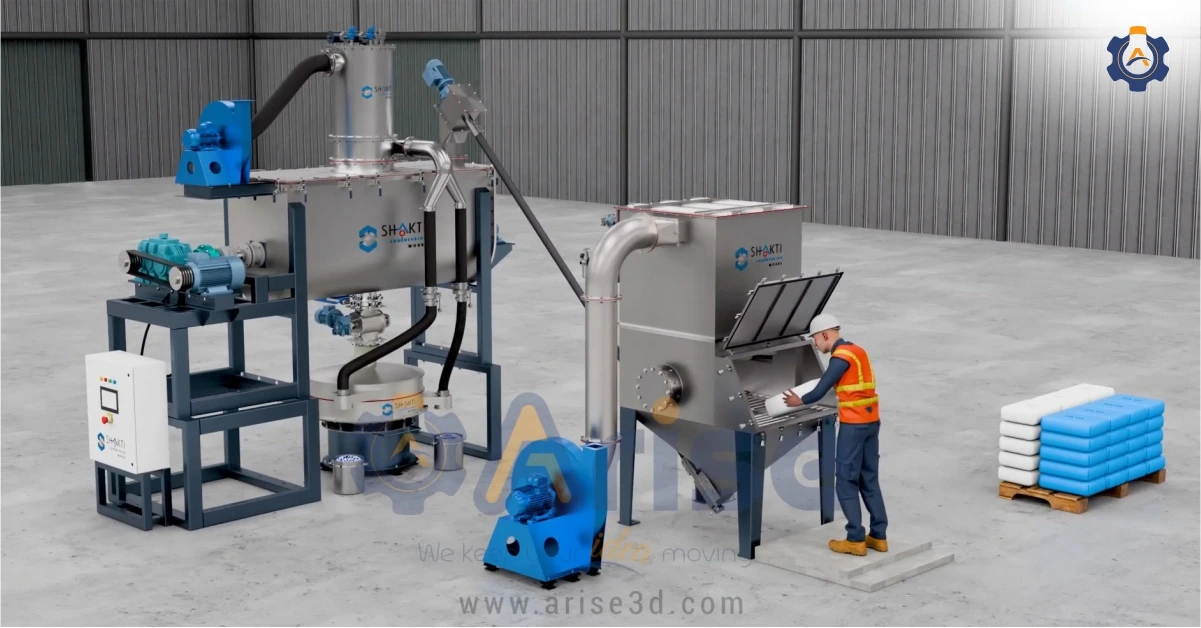
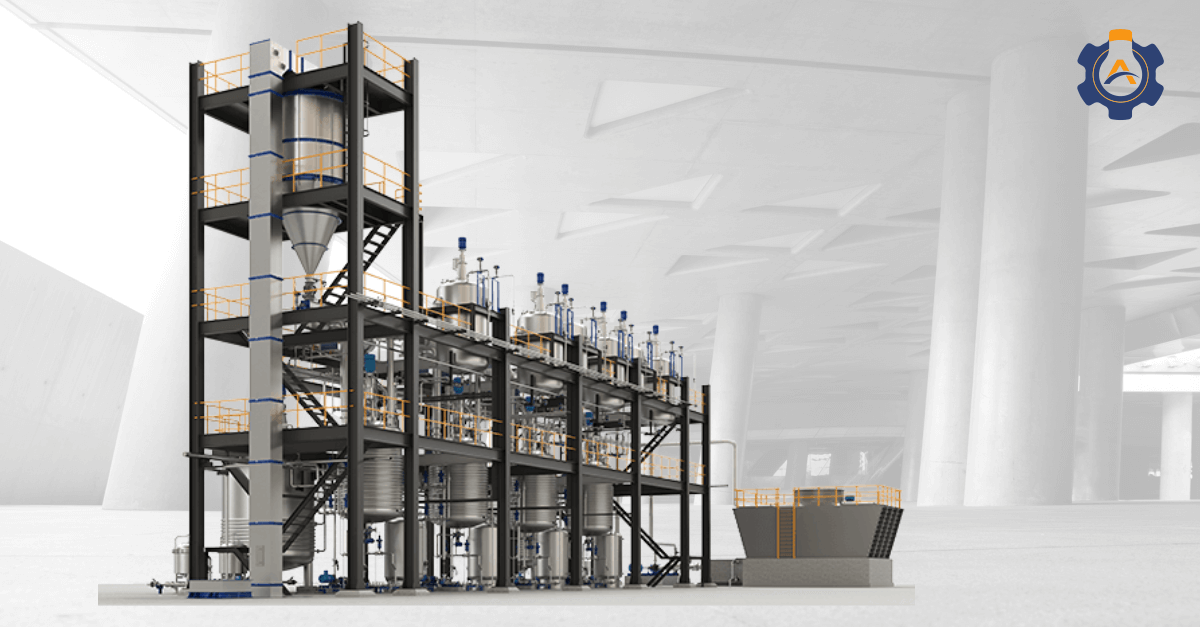
Example: 3D Animated Training Video for Industrial Machinery
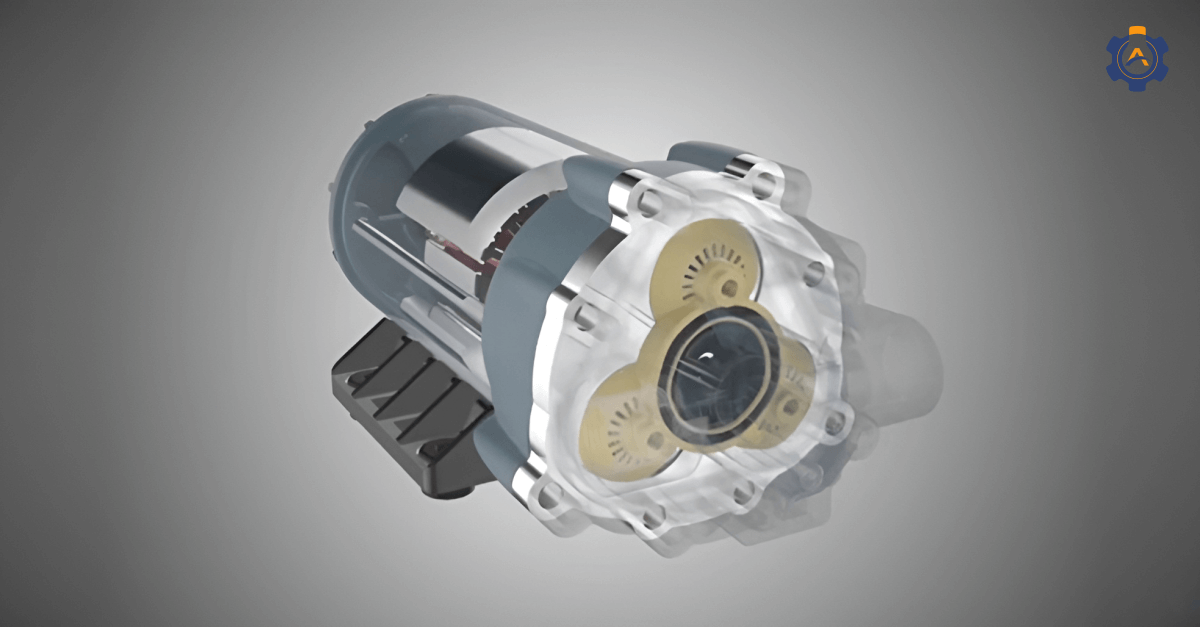
The above video shows how Arise 3D simplifies complex food waste processing machinery through animated visualization, improving comprehension and operational safety.
2) Visually Engaging Design
Visual design is important for keeping your audience engaged. It’s not just about making things look good, but it is also about guiding attention to key points and making the content more memorable. Strong visuals help learners focus on what’s important without distractions.
Tip: Keep your design clean and simple. Use high-quality graphics that align with your brand and improve the learning experience without overwhelming the viewer.
3) Visual Storyboarding and Technical Visualization
Storyboarding animated training videos requires understanding both instructional design principles and technical visualization requirements.
This phase converts script concepts into detailed visual sequences.
Professional Storyboard Elements:
Frame-by-frame visual progression
Camera angle specifications for complex equipment
Animation timing and transition notes
Technical detail callouts and annotations
Interactive element placement
Brand integration touchpoints
The storyboarding process is necessary for interactive training videos.
A storyboard is a graphic representation of how your video will unfold, shot by shot, made up of squares with illustrations representing each shot, with notes about what’s happening and what’s being said during that shot.
4) Production Timeline and Resource Allocation
Animated training video production requires systematic project management to deliver quality results within budget and timeline constraints.
Realistic Timeline Framework:
Simple concept animation: 4-6 weeks
Complex technical procedures: 8-12 weeks
Multi-module training series: 3-6 months
Interactive training platforms: 4-8 months
Resource Planning Considerations:
Subject matter expert availability for reviews
Technical accuracy verification processes
Client feedback and revision cycles
Quality assurance and testing phases
Delivery and implementation support
Professional video development requires significant time investment.
As noted in production discussions, professional video workflow includes logline, script, storyboard, pre-production, filming, editing, compression, and uploading phases, each requiring dedicated attention for quality outcomes.
5) Technical Specifications and Quality Standards
Corporate training videos must meet professional standards that reflect organizational credibility while delivering effective learning experiences.
Technical Specification Requirements:
Video resolution and aspect ratio standards
Audio quality and accessibility compliance
File format and delivery platform compatibility
Interactive element functionality requirements
Integration with existing learning management systems
Quality Assurance Framework:
Technical accuracy verification by subject matter experts
Learning objective achievement testing
User experience validation across devices
Accessibility compliance verification
Brand standard adherence review
6) Professional Audio
A clear and engaging voiceover can change the quality of your training video. Audio not only makes the content easier to understand but also helps keep learners focused and engaged.
Tip: Avoid distractions and ensure that the audio complements the visual content.
7) Branding and Consistency
Consistency is necessary for companies. Animated training videos should reflect your brand’s identity, using consistent colours, logos, and fonts to create a seamless experience.
Follow your brand guidelines closely in every video.
Consistent use of colours, fonts, and logos helps establish trust and reinforces the professionalism of the content.
Step-by-Step Process to Create Animated Training Videos
1 ) Define the Objectives
Before getting into the creative process, the first step is to clearly define the learning objectives of the training video.
What do you want your viewers to learn or achieve after watching the video?
Action Steps:
Identify the key message or skill that needs to be taught.
Align these objectives with broader business goals (e.g., improving productivity, compliance training, product knowledge).
Break down complex topics into specific learning outcomes.
Tip: Keep the objectives focused and measurable. This will guide the content and help evaluate the effectiveness of the video later.
2 ) Research and Understand Your Audience
Understanding your audience is important for providing relevant content.
There are high chances that in technical industries such as manufacturing or heavy engineering your audience may have specific industry knowledge, experience, or challenges. The more you understand these, the more impactful your video will be.
Action Steps:
Define your target audience (e.g., employees, clients, partners).
Understand their level of expertise and learning preferences.
Gather insights into what challenges or questions they have related to the training topic.
Develop and deliver the content that addresses the specific needs of the audience.
3 ) Develop the Script and Storyboard
Now that you know your objectives and audience, it’s time to develop the script and storyboard.
The script should be concise, clear, and informative, while the storyboard will map out how the visual elements will support the script.
Action Steps:
Write a script that focuses on delivering clear, actionable information in a conversational tone.
Break down the script into sections or scenes.
Create a storyboard that outlines the visual representation of each part of the script (e.g., character movements, animations, on-screen text).
Keep the script simple and engaging. Avoid complexity unless it’s industry-specific and your audience is familiar with it.
4 ) Choose the Animation Style
The effectiveness of your training video depends on the animation style you select. Think of it as the “voice” of your content; it shapes how clearly your audience understands and remembers key points.
When 3D animation is the right choice:
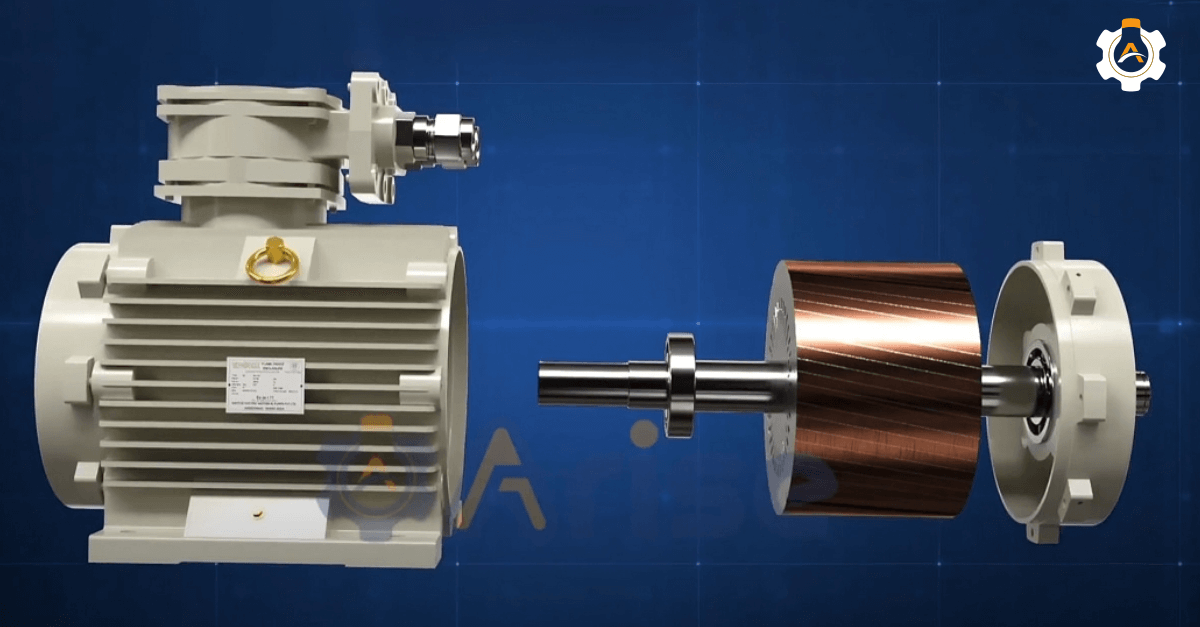
Complex technical training – Machinery, medical procedures, and industrial systems are best shown in 3D animation, where learners can see internal components and their work.
Realistic product demonstrations – Unlike 2D animation, 3D animation provides depth and replication, so trainees feel as though they’re handling the real product.
High-stakes environments – In healthcare or the heavy engineering industry, 3D simulations can safely reproduce real-world conditions for risk-free practice.
5 ) Design the Visuals
Once the animation style is chosen, it’s time to design the visual elements for your engaging training videos.
This includes characters, backgrounds, icons, and other graphics. The design should be clean, professional, and consistent with your brand to create interactive training videos.
Action Steps:
Design key assets (e.g., characters, icons, props) that will appear in the video.
Maintain brand consistency by using your brand’s colors, fonts, and logo.
Focus on simplicity to ensure the visuals support the message without distracting from it.
Keep the design simple and clean, so viewers can focus on the message without being distracted.
When wondering is 3D animation worth the investment?, consider that it delivers exceptional value for complex training content that genuinely benefits from three-dimensional representation.
When wondering is 3D animation worth the investment?, consider that it delivers exceptional value for complex training content that genuinely benefits from three-dimensional representation.
Get Started
6 ) Create the Animation
This is where the magic happens when you get started with technical animation.
Using the storyboard as a guide, animators bring the visuals to life, synchronizing them with the script and voiceover.
Action Steps:
Focus on simplicity to ensure the visuals support the message without distracting from it.
Ensure smooth transitions between scenes and that the animation supports the learning objectives.
Sync the animation with the voiceover, sound effects, and background music.
Tip: Timing is key in animation. Ensure the video flows naturally, keeping the pacing appropriate for the complexity of the topic.
7 ) Add Audio and Voiceover
The voiceover is critical in animated training videos, as it guides the audience through the content.
Clear, professional audio ensures that your message is delivered effectively and helps maintain viewer engagement.
Action Steps:
Record a clear, professional voiceover that matches the tone of the video (formal, casual, technical).
Add background music and sound effects to enhance the learning experience without overpowering the voiceover.
Adjust the audio levels to ensure clarity and balance.
The voiceover should be paced slowly enough for viewers to follow along, especially for complex topics or detailed instructions.
8 ) Distribute and Track Engagement
Once your video is finalised, it’s time to distribute it. Whether you’re sharing it on your internal learning platform or through an external website, it’s important to track viewer engagement to measure its effectiveness.
9 ) Continuously Improve
After distributing the video, continue to gather feedback and look for areas to improve. As your team engages with the content, you can refine future videos based on what works and what doesn’t.
FAQ’s
1) Why are animated training videos effective for learning?
Animated training videos are effective because they turn complex topics into clear, visual explanations that the brain processes faster than text or speech alone.
2) How long should an animated training video be?
There is no one-size-fits-all duration. The content should determine the length. If the topic is complex, consider dividing it into smaller segments rather than a single longer video.
3) How do I measure the effectiveness of animated training videos?
You measure effectiveness by combining learning outcomes, engagement data, and real-world application.
Watch time, completion rates, and interaction analytics reveal engagement levels. On-the-job performance, error reduction, and task completion speed indicate whether learners can apply the training.
Finally, surveys and feedback capture learner satisfaction, giving a complete picture of both short-term learning and long-term impact.
Conclusion
When it comes to training, engagement makes all the difference. Animated videos not only simplify complex concepts but also keep learners focused and motivated to retain information.
If you’re ready to take your training programmes to the next level, now is the perfect time to explore this powerful medium.
At Arise3D, we specialise in creating animated training videos specially for industrial and manufacturing needs. Reach out today to get started!