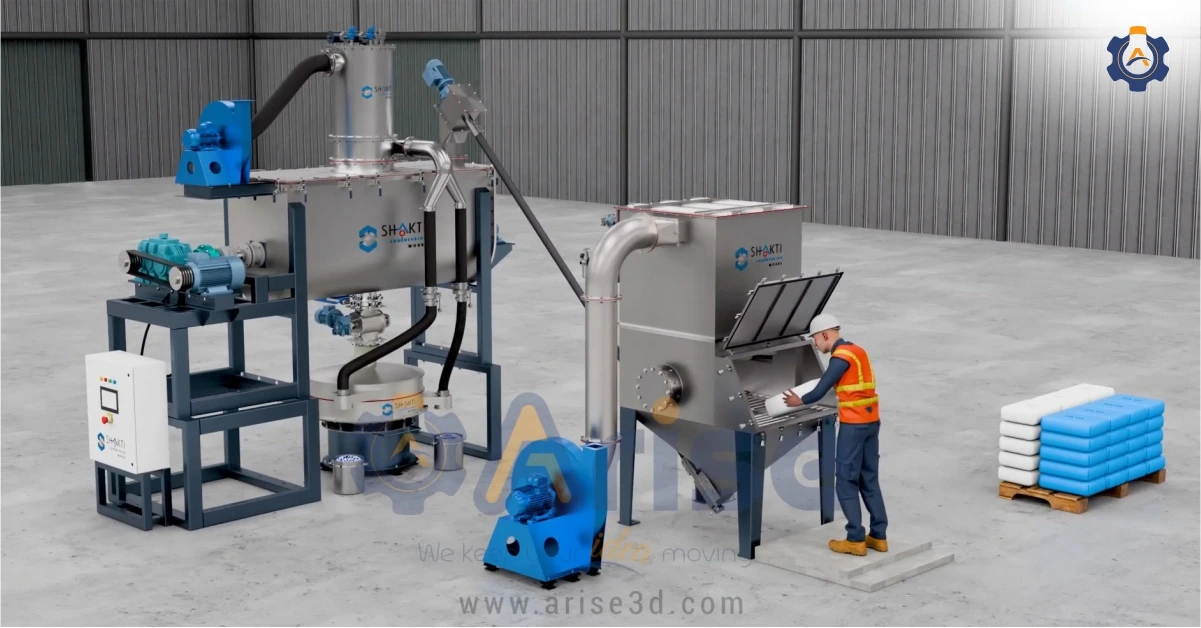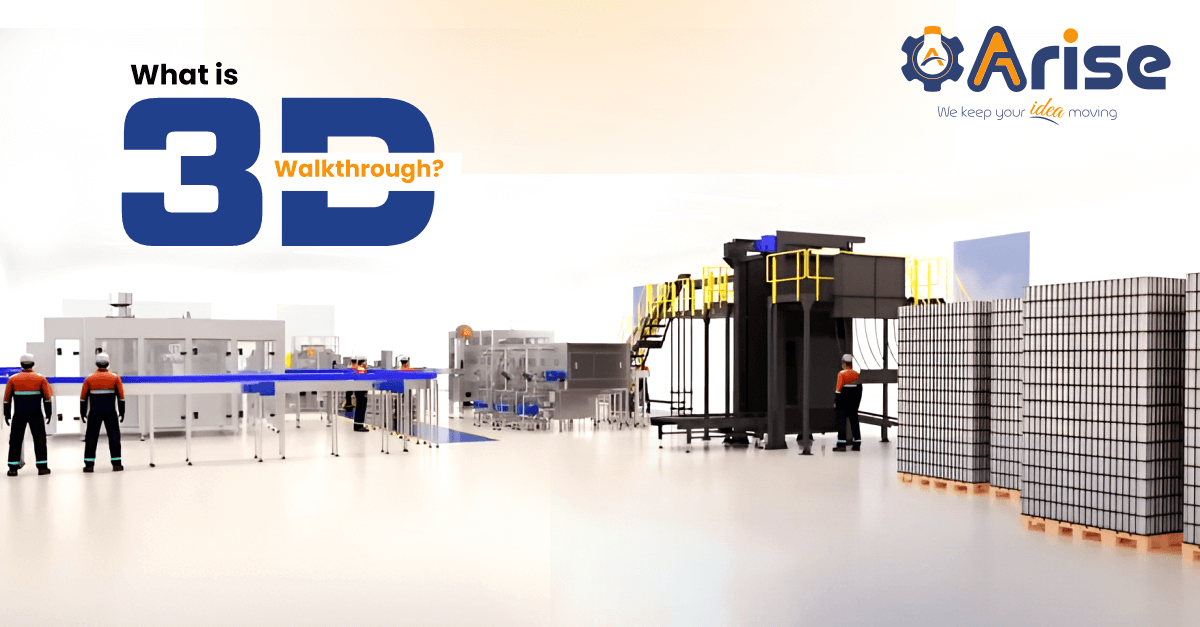
A 3D walkthrough is an animated video that guides viewers through a factory, industrial plant, or facility using a moving virtual camera built from CAD drawings, floor plans, or architectural layouts. The camera moves continuously through the space, showing equipment placement, material flow, and operational zones in sequence.
Engineering companies, EPC contractors, OEM manufacturers, and process industries use 3D walkthrough services to present facilities to investors, win project approvals, and demonstrate layouts to buyers. This works particularly well when the facility is under construction, sits in a restricted area, or does not yet exist physically.
What is a 3D Walkthrough and Why Do Companies Use It?
3D walkthrough animation creates a virtual tour video of a space’s interior or exterior using rendered 3D models and animated camera movement. Viewers experience the space as if they are physically walking through it.
Industrial buyers, plant managers, procurement teams, and investors use 3D walkthroughs for four main reasons. First, the animation shows a facility that does not yet exist, so stakeholders can review and approve it before construction begins. Second, it removes the need for physical site visits, which saves time and travel costs for international buyers. Third, it communicates complex layouts clearly to non-technical decision-makers who cannot read engineering drawings. Fourth, it serves as a presentation asset that works across trade shows, tender submissions, and investor meetings without any modification.
3D Walkthrough vs 3D Render — What is the Difference?
A 3D render is a still, photorealistic image of a product, machine, or space at one fixed angle with no movement. A 3D walkthrough is an animated video where the camera travels through a facility continuously, showing the full layout, equipment, workflow, and spatial relationships over time.
Choose a render when you need to show a product or machine. Choose a 3D product rendering service when a static image meets your requirements. Choose a walkthrough when you need to show a space, a facility, or a process flow.
| 3D Render | 3D Walkthrough | |
| Output | Static image | Animated video |
| Shows | Product, machine, component | Facility, plant, full layout |
| Typical duration | Instant | 1 to 5 minutes |
| Primary use | Catalogue, brochure, marketing | Approvals, investor deck, client demo |
| Input required | CAD file or 3D model | Floor plan, CAD layout, site drawings |
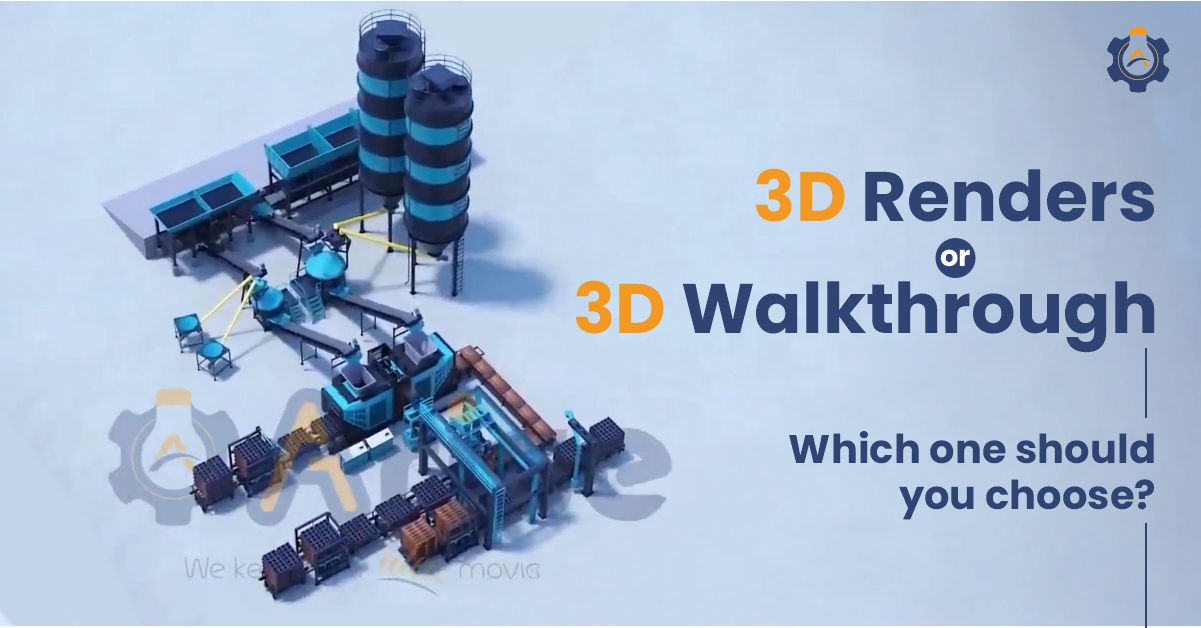
See also: 3D Renders or 3D Walkthrough — Which One Should You Choose?
Planning a project and confused about what format will communicate it best?
Talk to Our Experts
Types of 3D Industrial Walkthrough Animation
1. Factory and Manufacturing Plant Walkthrough
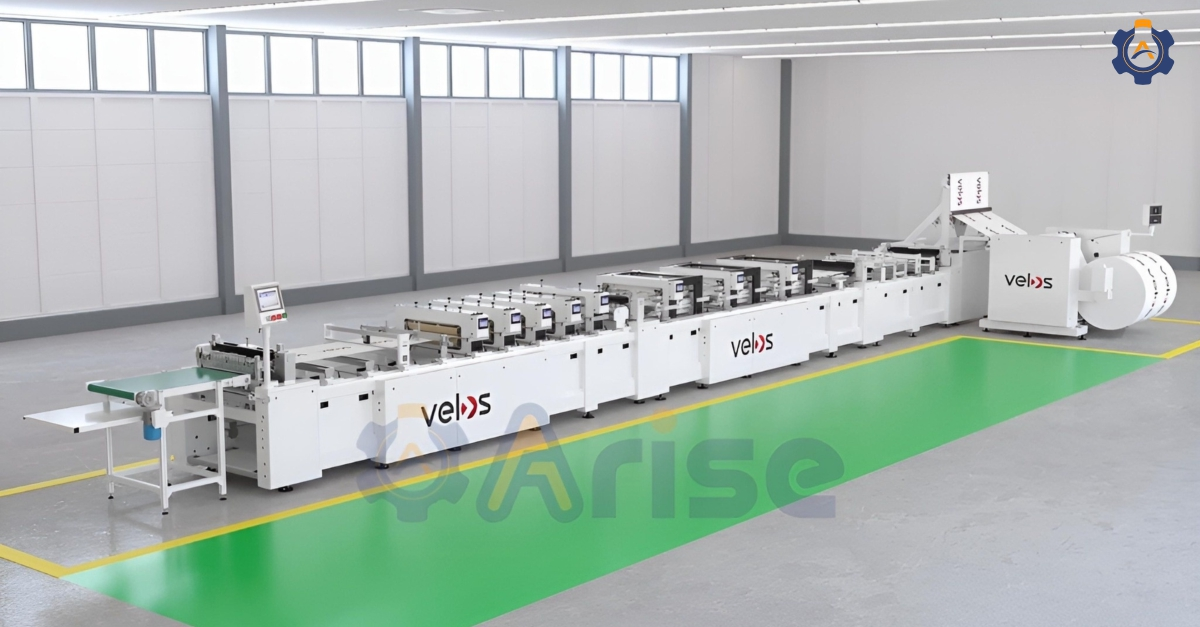
A factory walkthrough moves through a complete manufacturing facility, covering production lines, assembly areas, packaging zones, and dispatch. Manufacturers and OEM companies use it to show buyers and investors their production capability without requiring a physical site visit. It works well for large facilities where a standard camera crew would take hours to cover every area.
2. Process Plant Walkthrough
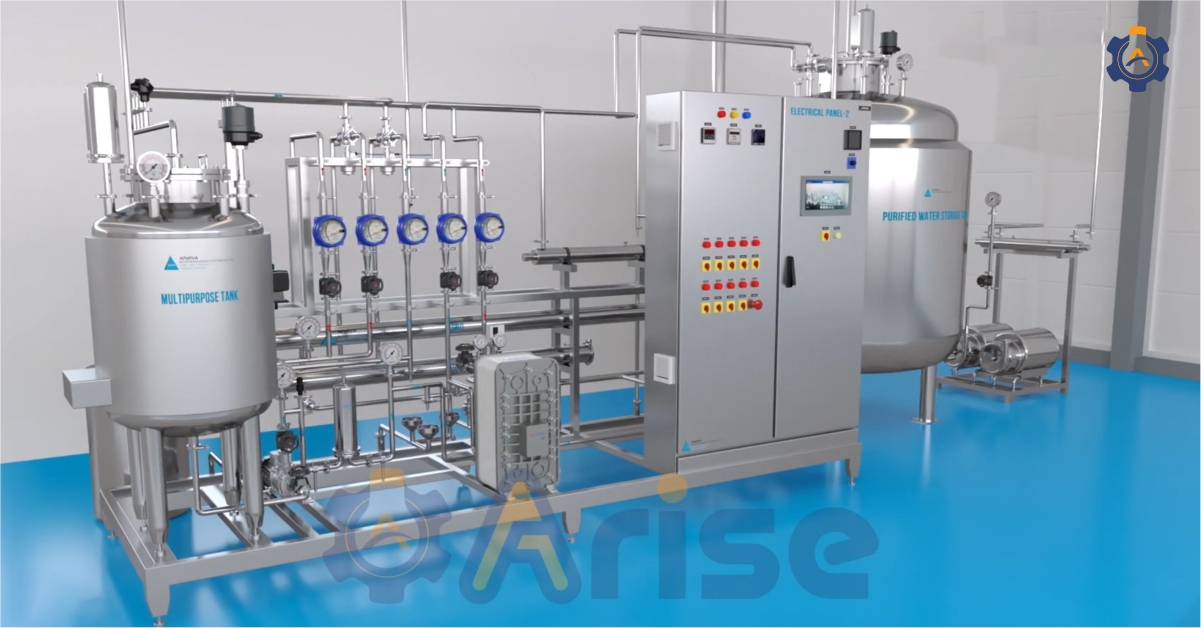
A process plant walkthrough covers chemical plants, refineries, water treatment facilities, and power generation installations. It shows material flow, equipment sequencing, control rooms, and safety zones in a clear sequence. Infrastructure developers and EPC contractors use it to present complex systems to regulatory bodies and funding institutions, where 2D drawings create confusion and delay.
3. Pre-Construction Facility Walkthrough
When a facility does not yet exist, a 3D walkthrough shows stakeholders what the proposed space will look and function like. Project developers use pre-construction walkthroughs for planning authority submissions, investor presentations, and internal approval decisions. Projects with visual walkthroughs move through approval processes faster than those relying on blueprints alone.
4. Pharmaceutical and Cleanroom Walkthrough
Pharma plant walkthroughs show sterile manufacturing areas, GMP-compliant cleanrooms, tablet processing lines, and quality control zones in photorealistic 3D. Pharmaceutical companies use them for regulatory submissions and investor presentations without requiring physical access to restricted production areas.
5. Warehouse and Logistics Walkthrough
Warehouse walkthroughs show racking systems, forklift traffic paths, loading docks, and material flow. Logistics companies and FMCG manufacturers use them to demonstrate operational efficiency and layout planning to clients and management teams before committing to a layout design.
Where Industrial Companies Use 3D Walkthrough Animation
1. Project Approvals and Planning Authority Submissions
Engineering companies submit 3D walkthrough videos alongside project proposals to planning authorities. A walkthrough makes the proposed facility layout clear to non-technical reviewers, reduces back-and-forth queries, and strengthens approval applications. Arise3D clients regularly use walkthroughs for government and municipal tender submissions where 2D drawings fail to communicate the full picture.
2. Investor and Stakeholder Presentations
When pitching a new facility or plant expansion to investors, a 3D walkthrough shows exactly what they are funding before any equipment is ordered or construction begins. Investors see the scale, layout, workflow, and operational logic clearly. This builds confidence and shortens investment decision timelines compared to verbal descriptions and 2D plans.
3. Client Site Demonstrations Without Physical Access
When a facility is under construction, located overseas, or has restricted access, a 3D walkthrough gives prospective clients a complete virtual site tour on any device. Engineering companies and EPC contractors use this to demonstrate proposed facility designs during the pre-sales process, removing the need for travel and enabling global client presentations from a laptop.
4. Operator Training and Safety Induction
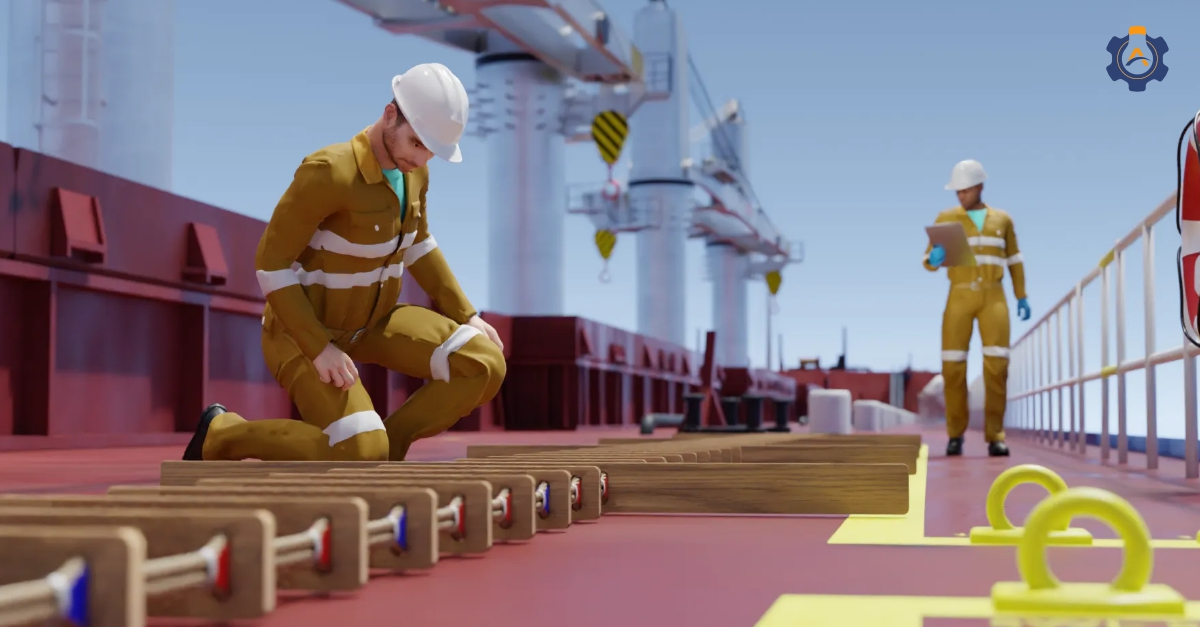
New operators learn the facility layout, equipment locations, emergency exits, and safety zones through a virtual walkthrough before their first day on-site. This reduces induction time, standardises training across multiple plant locations, and improves safety awareness without requiring access to the live production environment.
See also: Why 3D Safety Training Animation is Essential for Today’s Industries
5. Trade Shows and Exhibition Presentations
A 3D walkthrough running on a screen at an exhibition booth shows a complete facility or production capability in under 2 minutes. Visitors understand scale and operational capability immediately without reading a brochure or waiting for a sales presentation.
Ready to turn your plant layout into a clear, presentation-ready video?
Contact Us
3D Walkthrough vs 360° Virtual Tour — What is the Difference?
A 3D walkthrough is a pre-rendered animated video. The camera follows a fixed path through the facility and the viewer watches it like a film. You control exactly what they see and in what order.
A 360° virtual tour is interactive. The viewer controls where they look, where they move, and what they zoom into. It works best on websites and digital brochures where self-guided exploration adds value.
For investor presentations and tender submissions, a walkthrough works better because you control the narrative and pace. For website product pages and digital catalogues, an interactive 360° tour gives buyers more control and engagement.
Arise3D offers both formats. See our Web 360° Product services.
Industries That Use 3D Industrial Walkthrough Animation
1. OEM and Equipment Manufacturers: OEM manufacturers use 3D walkthroughs to present new production lines, factory expansions, and facility layouts to international buyers and investors. A walkthrough replaces the need for buyers to visit the manufacturing site during the pre-purchase evaluation stage.
2. Oil, Gas and Petrochemical: Oil and gas companies use plant walkthroughs to present refinery layouts, offshore installations, and pipeline systems to regulatory bodies, investors, and client organisations. 3D walkthroughs show hazardous areas and complex process flows without any safety risk to viewers.
See also: 3D Animation in the Oil and Gas Industry
3. Pharmaceutical: Pharmaceutical companies use cleanroom and manufacturing facility walkthroughs for GMP compliance presentations, investor decks, and regulatory submissions. This is particularly useful when physical access to the production area is restricted.
4. Water and Wastewater Treatment: Water treatment plant developers use 3D walkthroughs to present infrastructure projects to municipal authorities, government departments, and funding bodies. The animation replaces technical drawings that non-engineering reviewers find difficult to interpret.
See also: Explaining Smart Water Systems Through 3D Technical Animation
5. Energy and Power: Power generation companies use turbine hall walkthroughs, substation animations, and renewable energy facility tours for regulatory submissions and investor presentations, where showing the complete installation adds credibility.
6. EPC Contractors and Infrastructure: EPC contractors use pre-construction walkthroughs to present complex infrastructure projects to planning authorities and funding bodies. This replaces 2D blueprints that non-technical stakeholders struggle to read and approve.
What You Need to Get a 3D Walkthrough Made
To build a 3D walkthrough, share the following with us:
Floor plans or CAD layout files in DWG, DXF, or standard CAD format
Architectural drawings if the facility is at design stage
Reference photos or site survey data if the facility exists without CAD files
A brief covering which areas to show, the purpose of the walkthrough, and any style references
Your delivery timeline
No CAD files yet? Reference photos, 2D floor plans, and basic dimensions are enough to start. We work out the right approach for your project based on what you have available.
How Much Does a 3D Industrial Walkthrough Cost?
The cost depends on three things: facility size, level of detail required, and length of the finished video. A walkthrough covering 2 to 3 key areas of a facility costs considerably less than a full plant animation covering outdoor areas, multiple production zones, and detailed equipment sequences.
Most walkthrough projects complete in 3 to 5 weeks from the date we receive your layout files.
For a full breakdown of 3D animation costs in India by project type and complexity, see our 3D animation cost guide.
Ready to get a customised quote for your plant animation?
Talk to Our Experts
FAQs
1.) What is a 3D walkthrough animation?
A 3D walkthrough animation is an animated video that moves a virtual camera through a factory, plant, or facility built from CAD layouts, floor plans, or architectural drawings. It shows the complete space, equipment, material flow, and layout as if the viewer is physically walking through the site.
2.) What is the difference between a 3D walkthrough and a 3D render?
A 3D render is a static photorealistic image at one fixed angle with no movement. A 3D walkthrough is a moving animated video that travels through a space continuously. Renders suit product and machine shots. Walkthroughs suit facility presentations, project approvals, and client demonstrations.
3.) What files do I need for a 3D walkthrough?
Floor plans, CAD layout files, or architectural drawings work best. If your facility exists without CAD files, reference photos and dimensions are enough to begin.
4.) How long does a 3D walkthrough take to produce?
A 2 to 3 area facility walkthrough typically takes 3 to 4 weeks. A complex multi-zone plant walkthrough covering outdoor areas and full equipment detail may take 5 to 7 weeks.
5.) How much does a 3D factory walkthrough cost?
Cost depends on facility size, detail level, and video duration. See our full animation pricing guide for real ranges. We provide a free quote for every project.
6.) Can you create a 3D walkthrough for a facility that does not exist yet?
Yes. Pre-construction walkthroughs are one of the most common project types we handle. We build the facility in 3D from your floor plans and drawings so investors, planning authorities, and clients see the proposed facility clearly before construction begins.
7.) What is the difference between a 3D walkthrough and a 360° virtual tour?
A 3D walkthrough is a pre-rendered video with a fixed camera path the viewer watches like a film. A 360° virtual tour is interactive and lets the viewer control where they look and move. See our Web 360° Product services for interactive options.
Conclusion
Looking for a 3D walkthrough for your facility, plant, or project?
See our 3D Industrial Plant Walkthrough Animation Services for the full portfolio, client testimonials, and free quote enquiry.
Or contact us directly with your layout files and project brief.