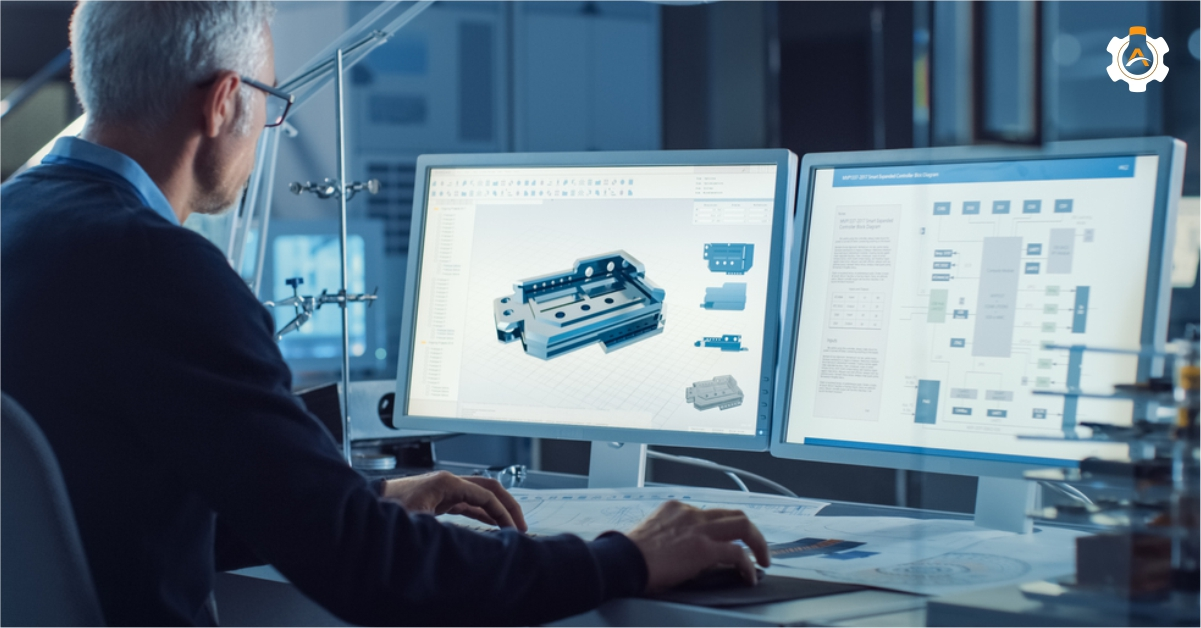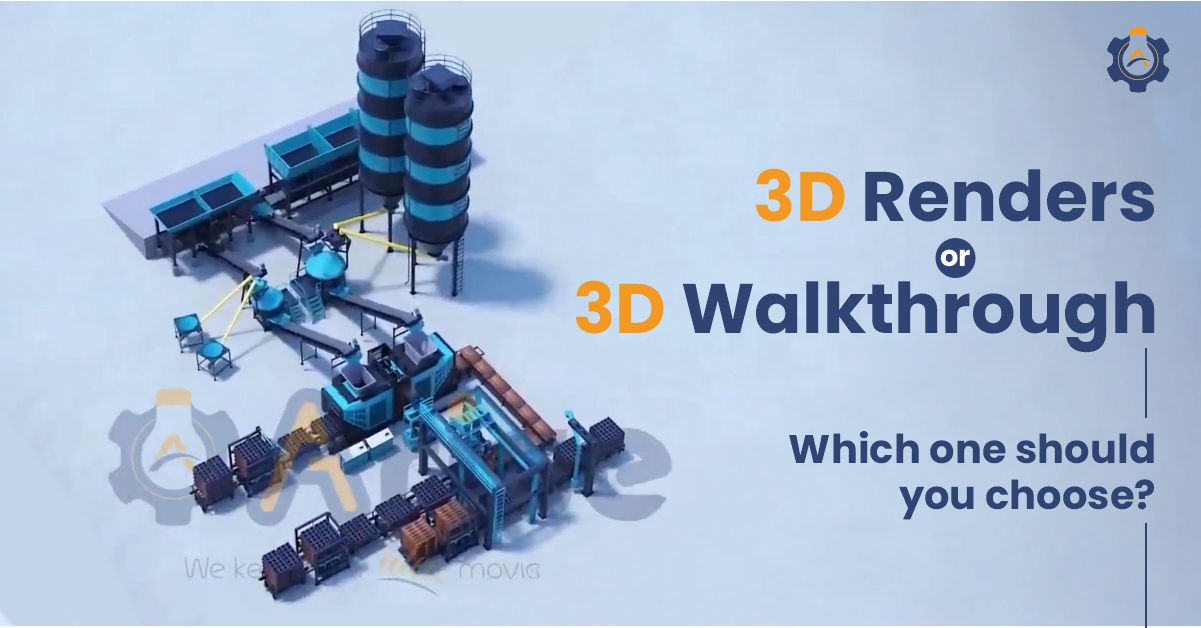
Today, visualizing a design before it’s built is standard practice.
The real question isn’t if you should use 3D visualization, but which type delivers the highest return on investment. The choice between a set of static renders and an animated walkthrough impacts your budget, timeline, and how your audience connects with your vision.
Getting it right protects your resources and ensures clarity. We are here to simplify the 3D render vs 3D walkthrough debate, helping you make a decision based on your goals.
So, let us begin.
Key-Takeaways
Choose a 3D walkthrough to sell an experience and demonstrate flow, scale, and sequence.
Opt for 3D renders to showcase specific details, materials, and designs for marketing assets, product launches, and technical documentation.
The core difference is experiential vs. static – 3D walkthroughs are guided video tours, while 3D renders are photorealistic still images.
Your project’s primary goal, budget, and audience are the most critical factors in deciding between the two visualization methods.
3D renders are generally more cost-effective and faster to produce, while 3D walkthroughs require a larger investment for a higher emotional impact.
What is a 3D Walkthrough?
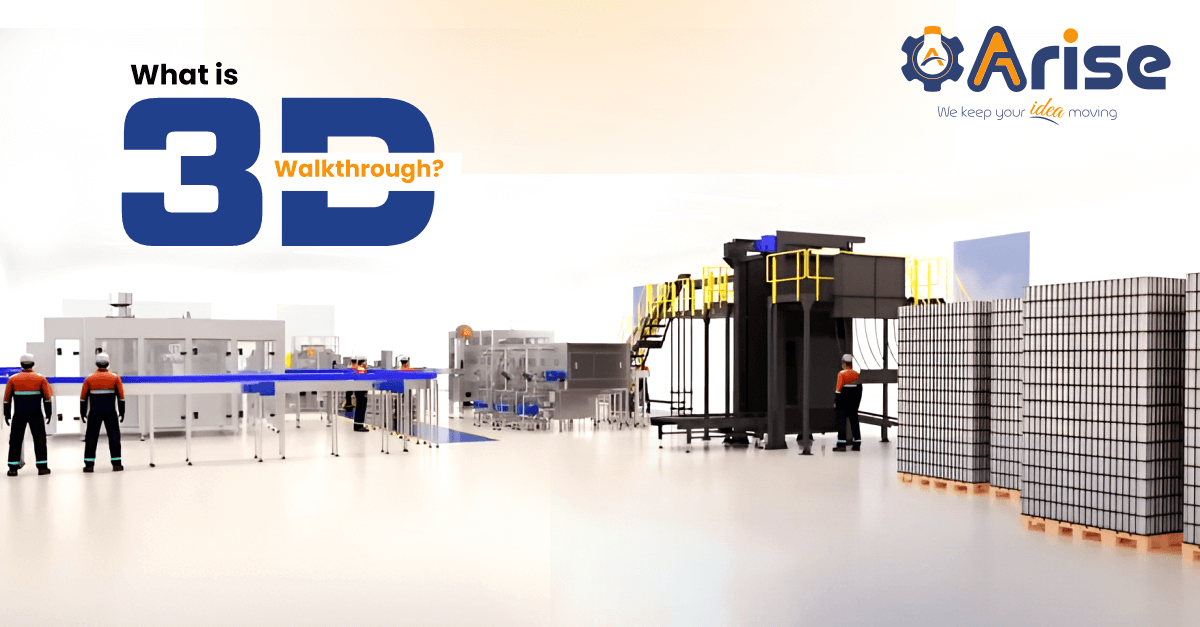
A 3D walkthrough is a computer-generated video or an animation that takes the viewer on a virtual tour of a space, facility, or product environment.
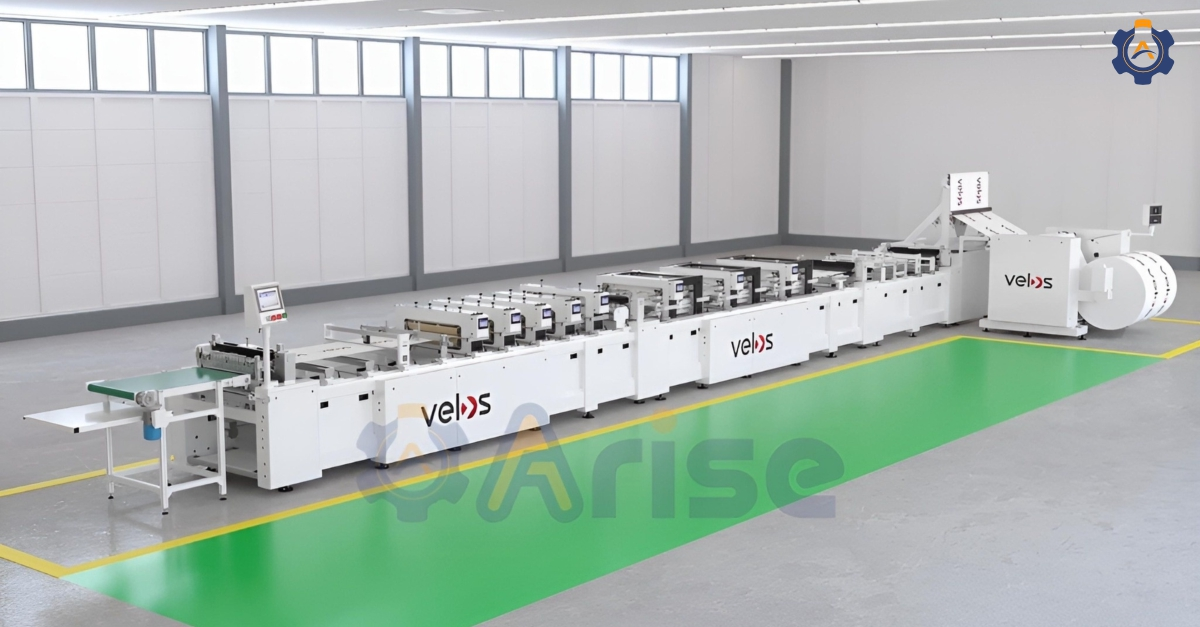
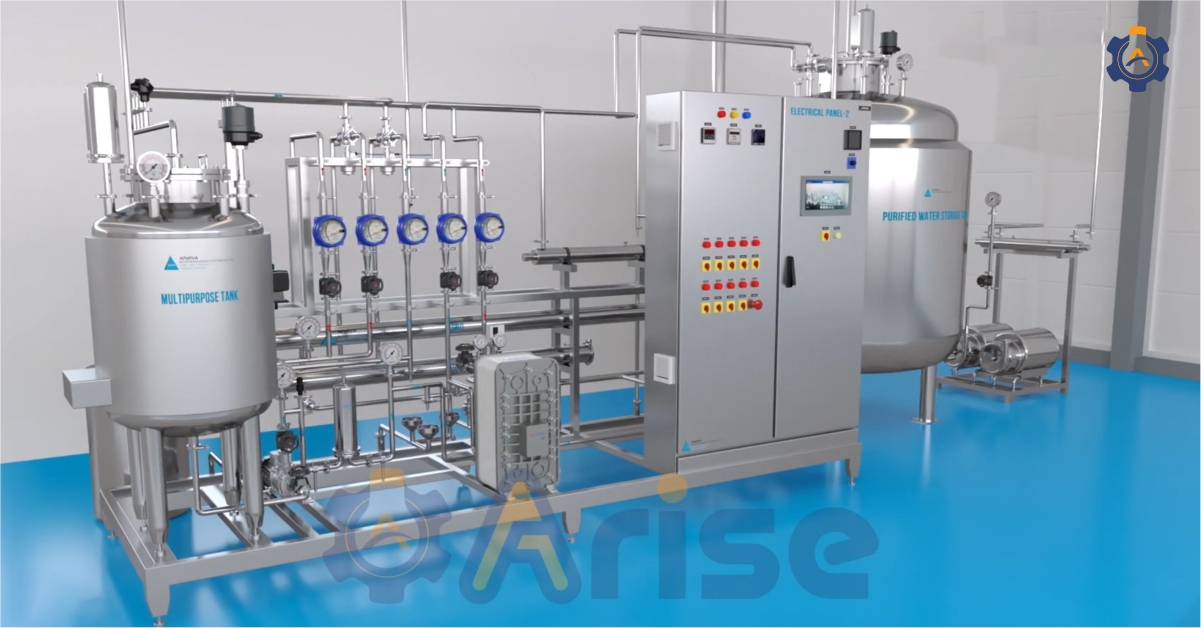
Think of it as a guided camera move through a 3D world. The camera flows through rooms, shop floors, aisles, and outdoor areas so the viewer can “walk” the space before it exists.
Best Use Cases of 3D Walkthrough
Use a 3D walkthrough when you need to tell a story or sell an experience.
A 3D walkthrough is most useful when you need people to understand flow(how things move through a space), scale(size and proportion of spaces), and sequence(order and progression of experiences).
a) Factory and Plant Walkthroughs
Use a walkthrough to show:
How raw material enters, moves through each station, and exits as a finished product.
Safety paths, emergency exits, and restricted zones.
Future expansions or line upgrades without stopping current production.
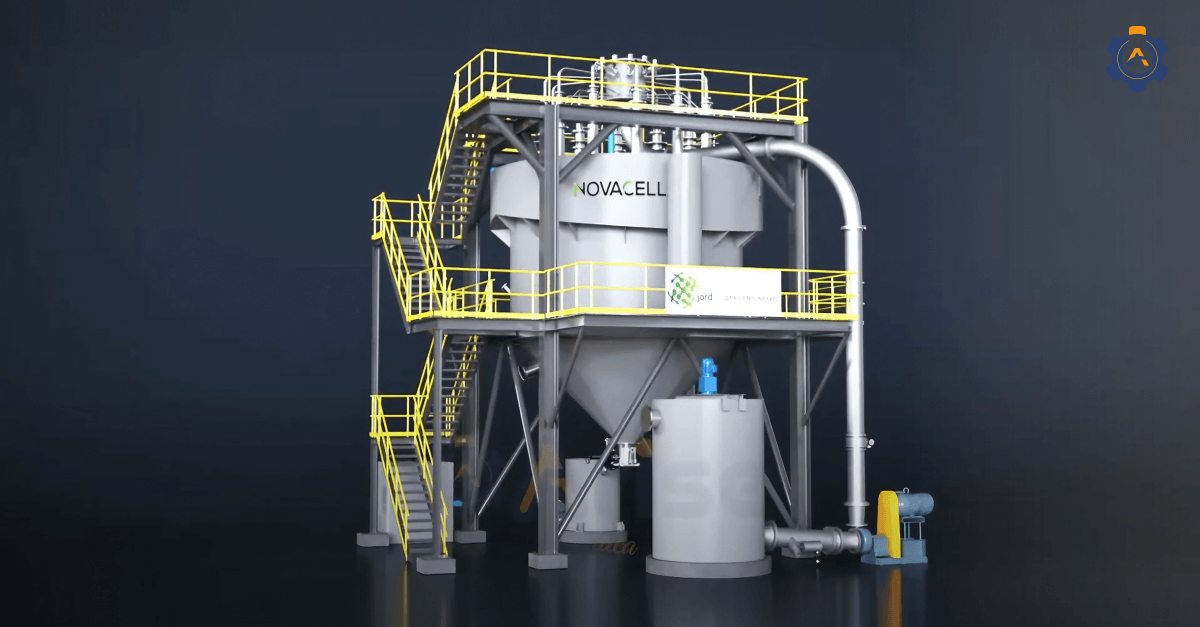
Industrial brands use 3D industrial factory plant walkthroughs to align decision-makers, maintenance teams, and external partners faster because everyone sees the same visual story.
b) Complex Machine or System Explainers
If you sell machines or technical systems, a walkthrough can:
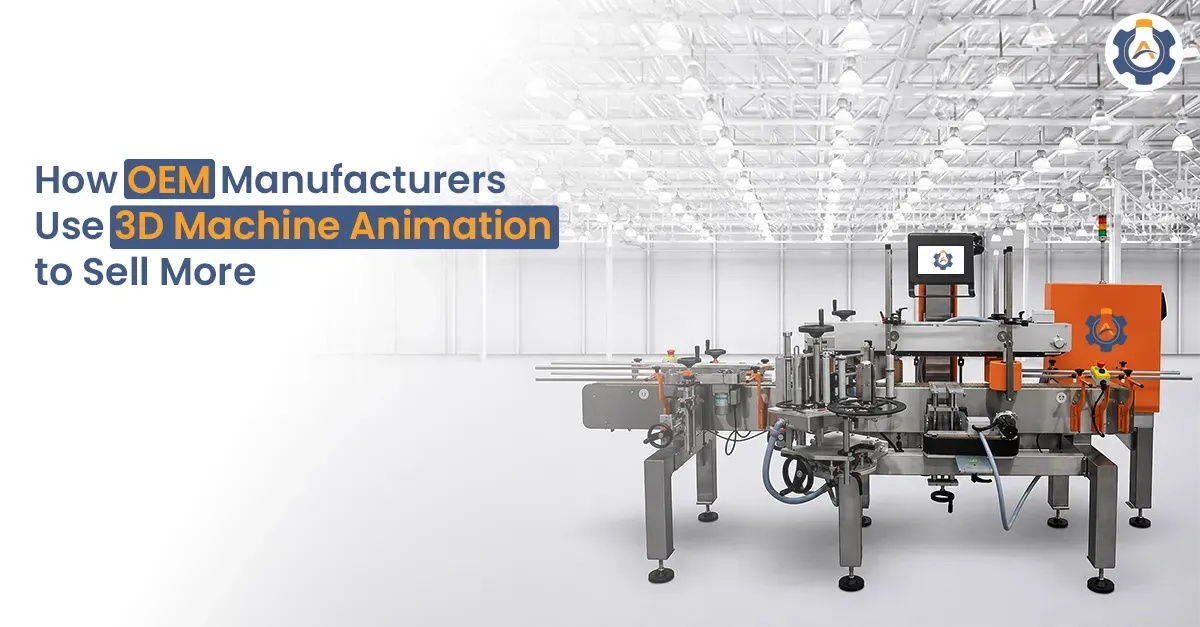
Show how the machine works in a practical world.
Zoom through different areas, from control panels to internal components.
Combine with overlays and labels for training and remote sales demonstrations.
This is very helpful when your buyer is not an expert but still needs to see how things connect.
c) Internal and Investor Presentations
When you need to convince senior management or investors:
A walkthrough video gives them a quick tour without reading reports.
It helps them see scale, logistics, and risk points visually.
It reduces back-and-forth because questions are answered on screen.
What Are 3D Renders?
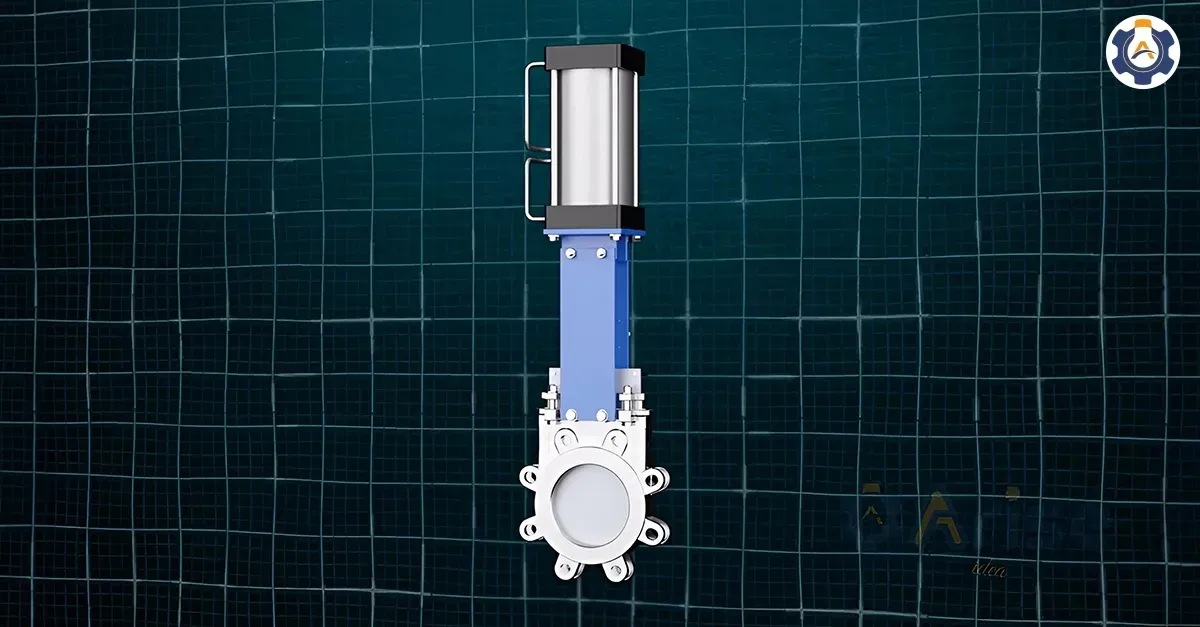
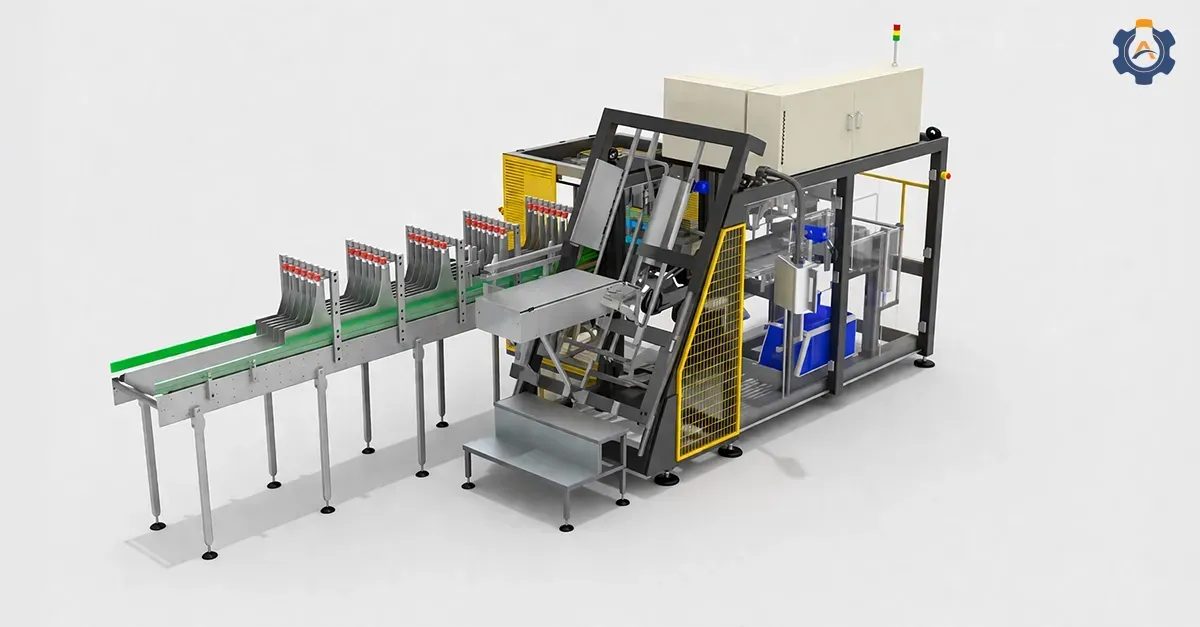
A 3D render (or 3D rendering) is a highly detailed photorealistic image developed from a 3D model.
In a 3D render, you can control:
1. Camera angle
2. Lighting and reflections
3. Colors, textures, and branding
4. Background and environment
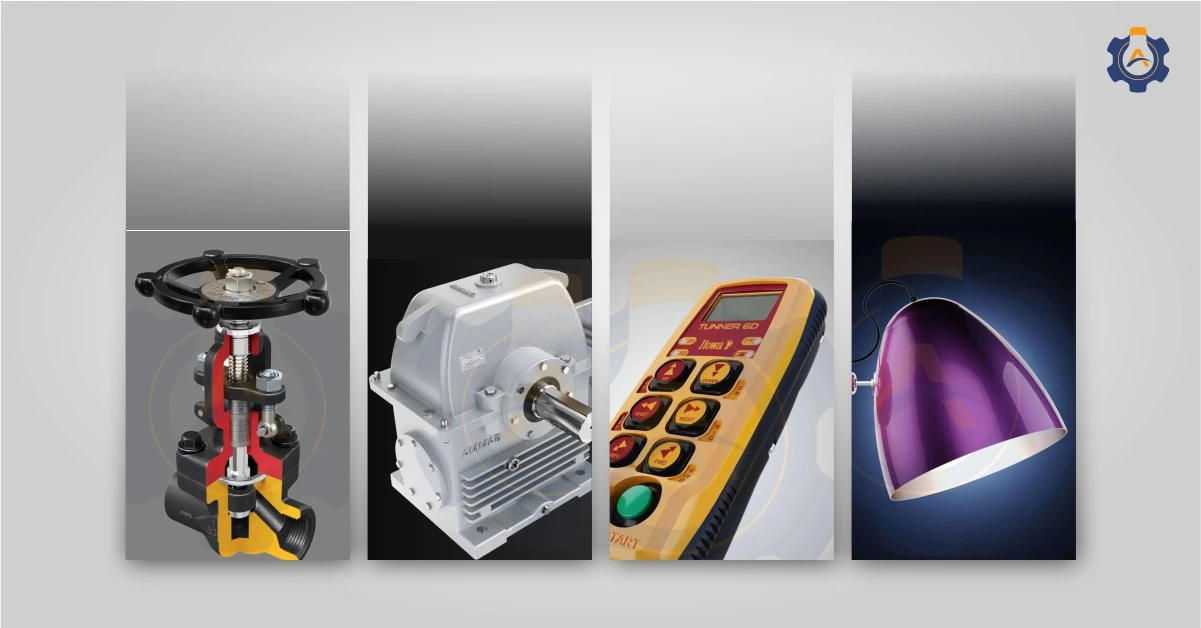
For industrial and product companies, a good 3D rendering solution can show:
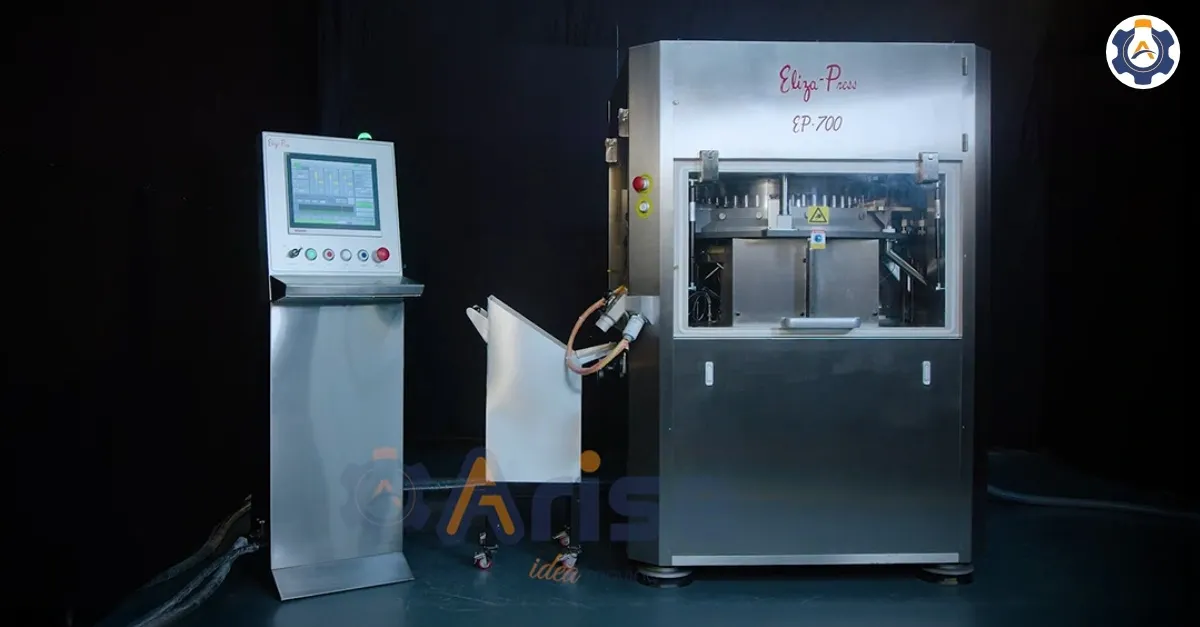
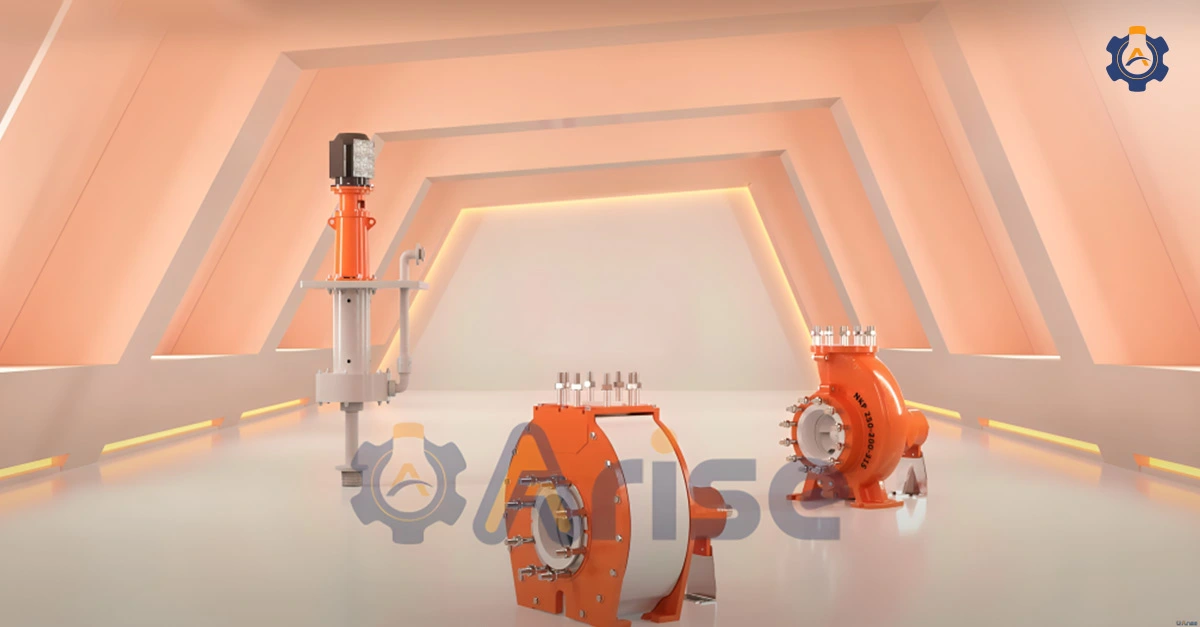
Machines and equipment in sharp detail
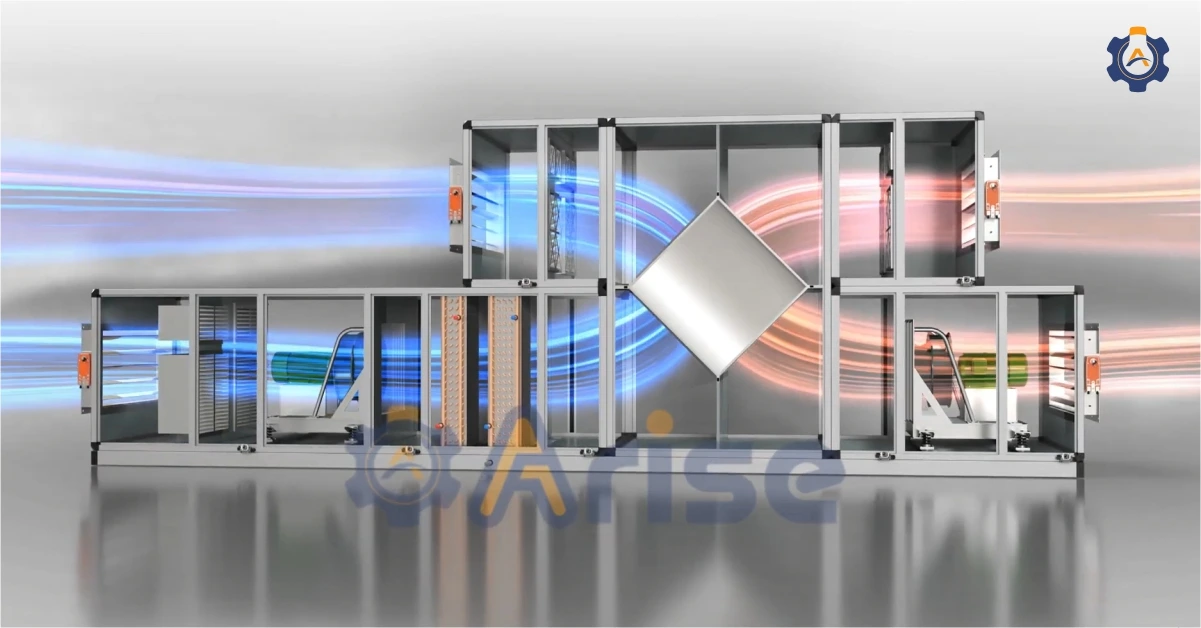
Cutaway views of internal components
Product variants, colors, and configurations
Clean visuals for catalogs, websites, and pitch decks
Unlike a walkthrough, a render is static. But it’s often faster to produce, easier to reuse across formats, and more cost-effective when you need many visuals from different angles.
Best Use Cases of 3D Renders
3D renders work best when you need clear, focused visuals that carry a message in a single frame.
1. New Machine Launches
When you’re introducing a new machine, many buyers will ask for visuals before the prototype is even ready.
3D renders help you:
Show the machine in perfect lighting from every angle
Highlight design upgrades, safety features, and control interfaces
Produce catalog-ready images for brochures, LinkedIn, and websites
This is one of the strongest use cases for 3D product rendering for product launches.
2. Technical Sales Presentations
Sales teams often struggle to explain a machine’s value using only drawings or rough photographs.
With 3D renders, you can:
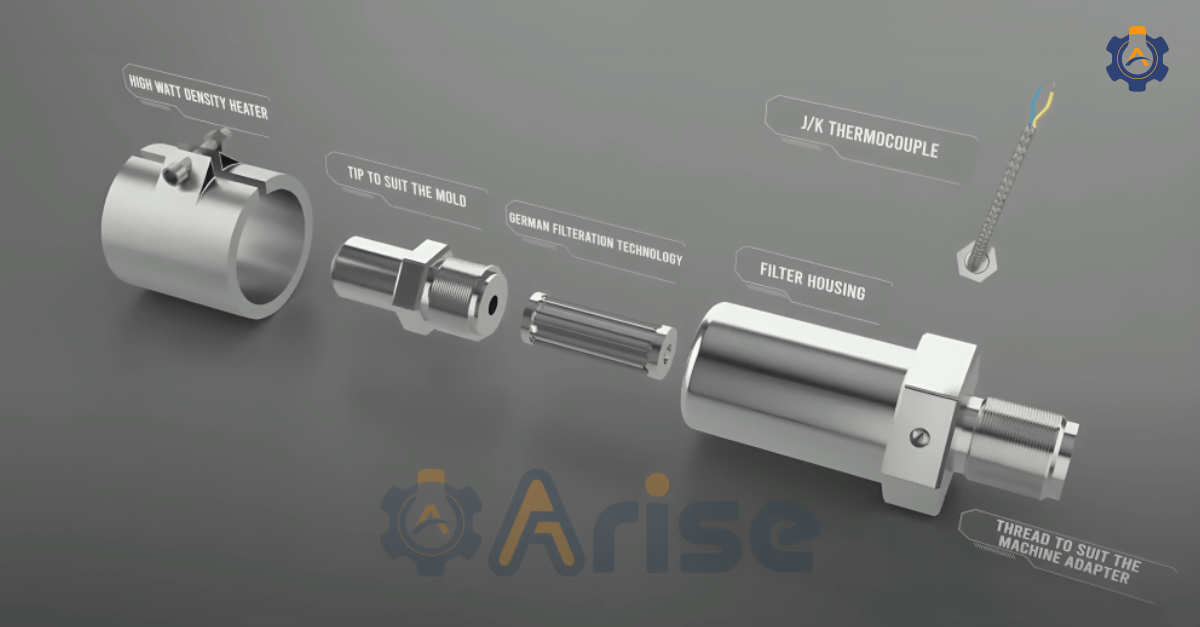
Display internal mechanisms with cutaway or exploded views.
Show multiple configurations (sizes, capacities, add-ons).
Avoid confidentiality issues by hiding sensitive parts.
3. Training & Maintenance Manuals
Complex machines often need:
SOP illustrations
Safety diagrams
Maintenance step visuals
Renders let you create accurate, labeled views showing components that are impossible to photograph safely during operation.
4. R&D Concept Approvals
Before investing in tooling or prototype manufacturing:
Engineers use 3D renders to present concepts.
Management and marketing can validate color, form, and configuration.
Renders reduce prototype iterations and save significant cost.
This is especially useful for early-stage machine redesign or upgrade.
5. Trade Shows, Exhibitions, and Fairs
3D renders work brilliantly at trade shows, exhibitions, and fairs, where you can use them as,
Booth backdrops
Large-format product hero visuals
Intro screens for kiosks and LED walls
Because renders are ultra-clean and scalable, they work perfectly in noisy trade-show halls with the best clarity.
6. Websites (For Marketing Purposes)
Product landing pages, banners, web headers, etc, rely heavily on 3D renders because they can show:
High detail
Accurate proportions
Multiple variants instantly
This delivers consistency across all digital channels.
Talk to Arise3D about the 3D renders and 3D walkthroughs for your next launch or plant upgrade.
Get Started
Key Differences Between 3D Render and 3D Walkthrough
| Point Of Difference | 3D Render | 3D Walkthrough |
| Format | Single still image (or set of images) | Video (like a tour) |
| Main purpose | Show detail, look, and finish | Show flow, scale, and experience |
| Best for | Sales material, product shots, brochures, websites | Presentations, factory tours, training, manufacturing units, etc |
| Viewer experience | Quick glance, easy to share and print | Immersive, story-driven, more emotional impact |
| Production time | Usually faster per asset | Longer, more steps (storyboard, camera path, editing) |
| Cost per output | Lower per image | Higher per minute of animation |
| Reusability | High – same model, many views and crops | Good – but mainly in video format (cut-downs, shorts) |
| Performance | Quick files, friendly for website and print | Best for streaming and presentations |
| Ideal Project Stage | Early concepts | Final presentations |
Which One Should You Choose?
The difference between a 3D render and a 3D walkthrough ultimately comes down to your specific need. Forget the technical specifications for a moment and focus on your primary goal.
Follow this decision map:
1. What is my main goal?
“I need to sell an experience and make people feel like they’re inside the space.” → Choose a 3D walkthrough animation.
“I need to showcase specific designs, get feedback on details, or create marketing materials.” → Choose 3D renders.
2. What is my budget and timeline?
Tight budget, need it next week? → Start with 3D Renders. You can always create a walkthrough for key areas later.
Budget allows for a premium tool, timeline is flexible? → A 3D Walkthrough could be your ultimate approach.
3. Who is your main audience?
Marketing and sales prospects seeing ads, webpages, or brochures
High-impact 3D renders help them decide fast.
Investors, plant heads, OEM clients, or partners
A walkthrough makes discussions smoother because everyone sees the same scene.
Internal teams and trainees
Use both: renders for manuals and slides; walkthroughs for safety training and process orientation.
FAQ’s
1) What is the main difference between 3D rendering and 3D walkthrough?
A 3D render is a single high-quality image.
A 3D walkthrough is a video(animation) that shows how the space works as you move through it.
2) Can I get both rendering and walkthrough from the same provider?
Yes. Most professional studios (including Arise3D) offer both using the same 3D model.
3) Should I use a 3D render or a 3D walkthrough for client presentations?
Use renders when you need clear product visuals.
Use a walkthrough when you need clients to understand layout, flow, or movement.
Make the Choice that Serves your Project Best
3D render vs 3D walkthrough choice is simple: use 3D renders when you need a sharp, single-frame image, and use 3D walkthroughs when you need people to experience how a space or machine, or system really works.
In many projects, the smartest move is to combine both and let one 3D model power all your visuals.
Choose the format that fits your objective, and work with a trusted 3D visualization partner like Arise3D to deliver clear, reliable project communication your audience can act on