If 3D rendering is delaying decisions, it’s being handled in the wrong place.
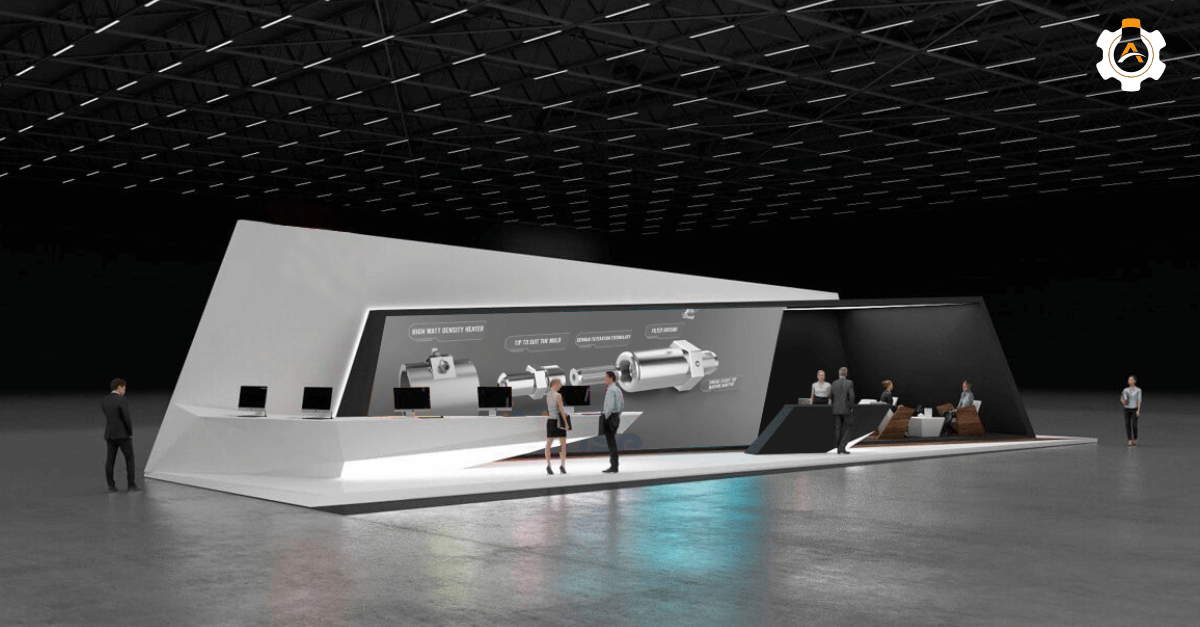
3D rendering should accelerate understanding, clarify products during reviews, approvals, launches, and trade shows, and not compete for internal time!
Choosing to outsource 3D rendering services is not about getting the visuals made; it is about using external resources to multiply your own company’s output. Below, we’ll define the framework for knowing when and why outsourcing 3D rendering works.
Key-Takeaways
Outsource 3D rendering when clarity, speed, or scale starts impacting engineering timelines and sales rate.
Treat 3D rendering as an execution work; define purpose, inputs, and feedback to avoid delays and rework.
Professional 3D rendering outsourcing converts fixed internal costs into predictable, output-based project spend.
AI visuals may look realistic, but technical and accurate renders still require human expertise and a CAD professional.
The right 3D rendering partner reduces internal load, absorbs design changes, and keeps visuals aligned with decisions.
Why Outsourcing 3D Rendering is a Strategic Decision?
Outsourcing 3D rendering is strategic because it removes execution work from engineering teams, shortens review cycles, and keeps visual communication aligned with fast-moving design changes.
Strategic 3D rendering is not about how a product looks.
It’s about what the render helps someone understand, approve, or decide.
That could be how a component fits, how a system flows, how a product will be assembled, or why a design choice exists. When 3D rendering supports those decisions, it adds value. When it doesn’t, it only looks finished.
Outsource 3D rendering to Arise3D that stays aligned with your design. Let’s talk!
When Should You Outsource Your 3D Rendering Work
You should outsource when 3D rendering’s speed, accuracy, or scalability starts affecting engineering timelines.
Outsource 3D rendering if;
1. You need industry-specific visualization expertise
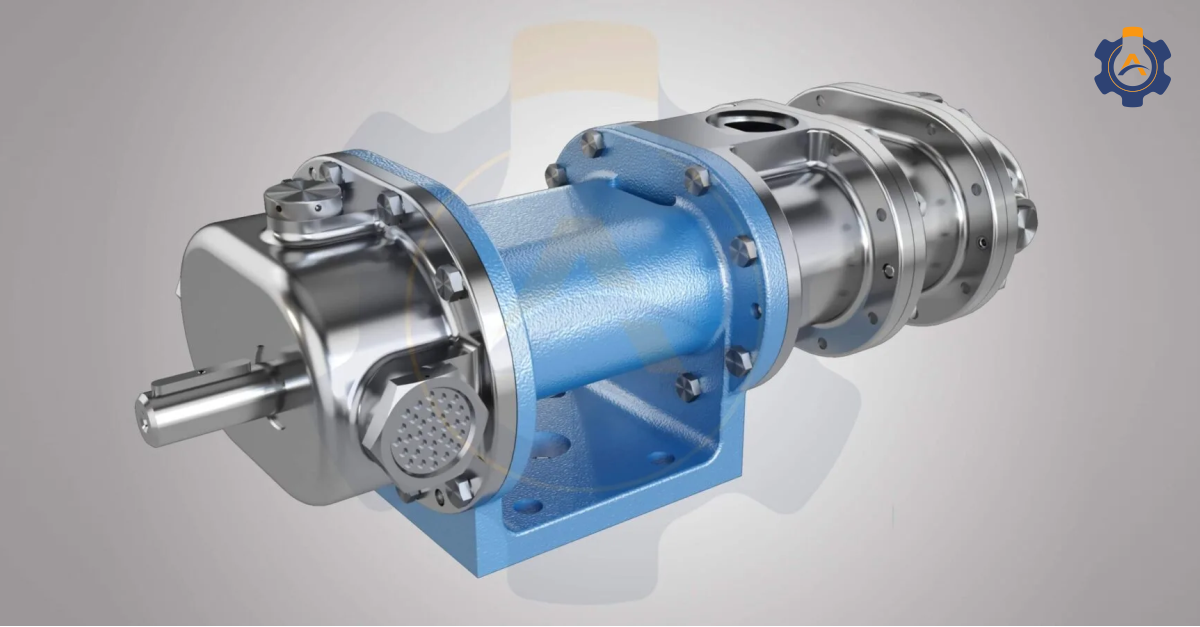
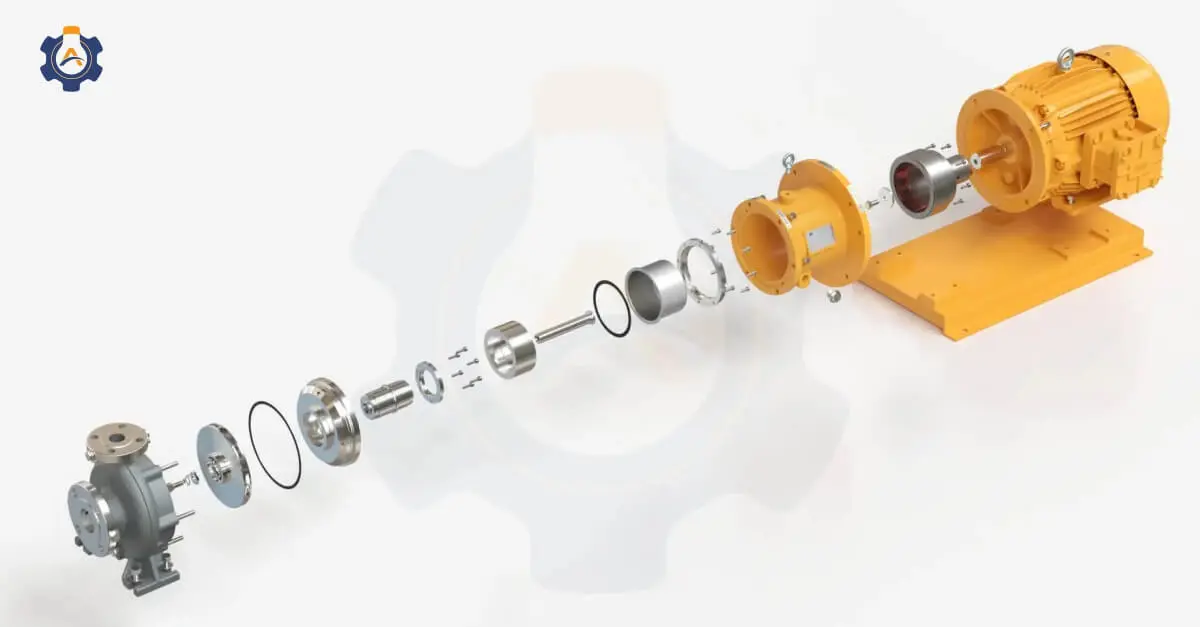
If you’re an OEM in pumps, compressors, heat exchangers, or machinery and your partner needs to animate flow, show assembly sequences, or explain process integration, you need a studio that’s done this.
2. You’re entering international markets
Global buyers expect a world-class presentation. They assess your company’s capability based on how professionally you present it.
A photorealistic, technically accurate render of your machine tells them – this individual is serious, they understand their product. A CAD screenshot tells them: They’re cost-cutting on visual presentation.
3. You need a scale without hiring
If you manufacture 50 variations of one product and need renders for each, an in-house artist will take 6 months. An industrial rendering studio with team capacity can deliver in 4 weeks and maintain consistency across variations because they understand your product line.
Additionally, outsourcing is most effective when you’re aiming to shorten your sales cycle.
4. Your design is finalized, but communication isn’t
You are still iterating on design. You’re trying to sell a completed product. That’s when you need a partner focused on clarity, not design refinement.
Teams that use product rendering for prototyping and design feedback often reach this point early. Outsourcing keeps visuals moving while designs may change.
How to Outsource 3D Rendering Work Effectively
Outsourcing works when 3D rendering is treated as a clearly defined execution task with fixed inputs, clear usage intent, and structured feedback.
1. Start with why the render is needed
Before sharing files, be clear about where the render will be used.
Rendering for design reviews, customer presentations, trade shows, or marketing all require different levels of detail and accuracy. If this is not defined upfront, revisions increase, and timelines stretch.
2. Share CAD data
Effective outsourcing starts with proper inputs.
Provide STEP files or native CAD formats wherever possible. This avoids interpretation errors and keeps the render aligned with real geometry. Screenshots or low-detail exports often lead to back-and-forth and unnecessary corrections.
Clear geometry allows the rendering team to focus on execution instead of reconstruction.
3. Lock viewpoints and outputs early
Rendering becomes inefficient when viewpoints keep changing.
Decide upfront:
Number of images required
Camera angles
Background or environment needs
Output resolution and format
This is especially important for 3D product rendering for product launches and trade shows, where consistency across visuals matters more than experimentation.
Fixing these details early reduces revision cycles significantly.
4. Work with feedbacks
Feedback should be specific and consolidated.
Instead of multiple rounds of comments from different teams, assign one technical reviewer. Mark changes clearly materials, finishes, components, or alignment. Avoid subjective inputs that don’t relate to the original purpose of the render.
5. Plan for design changes, not around them
Design updates are normal. Good outsourcing accounts for this.
Share revision timelines in advance and confirm how updates will be handled. This keeps visuals aligned with the latest design without restarting the process each time.
This is where outsourcing 3D rendering services saves effort by absorbing changes without slowing the overall project.
6. Start Small
Don’t commit 20 renders on your first project. Order 1–2.
See if their understanding of your equipment matches your intent. See if their communication style works for you. See if they catch technical details without you explaining them. This strategy costs $2,000–$3,000 and saves you from a bad $20,000 commitment later.
7. Establish Communication Protocols
How often will you see progress?
When can you provide feedback?
What’s the revision policy? (Usually 2 rounds are included; additional rounds cost extra.)
How do you handle disagreements about technical accuracy?
Is AI Capable of Creating 3D Renderings?
AI can generate visuals, but it cannot produce accurate 3D renderings(visuals).
You’ll get something that looks like a pump. It might even look professional. But the internal geometry will be wrong. The flow path won’t be accurate. The proportions might be off.
When a customer is making a purchase decision, looking real isn’t good enough. Accurate is what is required.
For manufacturing renders, expect humans to remain the standard for years to come.
AI can’t match the precision of expert 3D rendering. Let’s talk!
Benefits of 3D Rendering Outsourcing
Outsourcing improves speed, consistency, and cost control without adding internal load.
1. Speed improves because the work is separated
Internal teams often pause 3D rendering during busy phases. Outsourced teams don’t. Design changes can be sent, processed, and returned without disrupting schedules. This separation is what creates faster turnaround, not software, not tools.
2. Cost stays predictable
With outsourcing, cost is tied to output, not capacity.
There are no licences to renew, no specialist roles to maintain, and no idle time to absorb. 3D product rendering services cost becomes easier to forecast and justify, especially for short-term or project-based needs.
This predictability matters more than low cost when planning launches or client commitments.
3. Visual consistency improves across departments
One of the most overlooked benefits is consistency. When different teams handle rendering internally, visuals vary in different styles, lighting, and detail levels. Outsourcing to a single partner ensures the same product looks the same in design reviews, presentations, and 3D product rendering for product launches and trade shows.
That consistency reduces confusion and strengthens communication.
4. Internal focus stays stable
Most importantly, outsourcing protects focus.
Engineers stay focused on design and validation. Product teams stay focused on decisions. Rendering doesn’t compete for attention or time. It simply supports the process.
These are the real benefits of hiring a 3D product rendering company, not better-looking images, but smoother execution across the project lifecycle.
How to Choose the Best 3D Rendering Company
Choose a partner who understands why the 3D render exists, not just how to create it.
1. Portfolio alignment: Their previous work should match your vision. If you design medical devices and they primarily render architectural projects, their expertise gap is missing.
2. Team depth and specialization: A studio that does everything often does nothing exceptionally well. Ask about their team structure. Do they have specialists in mechanical rendering? Product visualization? Dedicated project managers? The answer reveals their capacity.
3. Process transparency: Can they clearly explain their workflow from CAD import to final delivery? Do they document each stage? Can you see the “work in progress” before final approval? Transparency builds confidence.
4. Communication style: How do they handle your questions? Do they explain technical decisions? Good partners educate clients so you understand the choices behind each render.
5. Revision policy: What happens when you request changes? How many rounds are included? What costs extra? A clear policy prevents after-work and frustration.
6. Client testimonials with context: Don’t just read reviews. Look for actual projects, timelines, and results. Testimonials that mention communication, reliability, and quality matter more than just great work.
7. Longevity and team stability: A studio that’s been operating 10+ years with a consistent core team has learned from mistakes and has systems in place. New studios might be talented but lack operational maturity.
Key Questions to Ask Before Hiring :
Do you render directly from CAD files?
How do you manage design updates during a project?
What type of projects do you handle most often?
How do you ensure visuals stay technically accurate?
How do you structure pricing and revisions?
The Step-by-Step Process to Outsource 3D Rendering
Stage 1: Brief and Planning
Send your 3D model, project requirements, and success criteria. Discuss the timeline, budget range, and what you expect to achieve at the end.
Stage 2: Technical Preparation
The rendering team imports your files, checks for errors, and sets up the basic environment. They confirm with you that geometry is accurate before investing time in detailed work.
Stage 3: Non-Textured Render
An initial neutral render without colors or details. This is the fastest to produce and lets you verify that proportions and geometry are correct.
Stage 4: Color and Material Application
Real materials are applied. Surfaces get texture, finish, and realistic properties. Lighting is added. This stage typically takes 2–3 days, depending on the complexity.
Stage 5: Refinement and Effects
Details are added like reflections, shadows, environmental context, and any special elements. This is where a 3D render becomes photorealistic based on your brief.
Stage 6: Client Review and Revisions
You see high-resolution previews and provide feedback. Revisions usually include minor adjustments. Major structural changes push the timeline.
Stage 7: Final Delivery
High-resolution files (8K, 4K, HD—your choice) in formats you need (JPEG, PNG, EXR, etc.). Watermark versions during development, final versions after payment.
Cost Comparison of Outsourcing vs. In-House Rendering
| Aspect | In-house rendering | Outsourced rendering |
| Cost structure | Fixed and ongoing | Variable, per project |
| Software | Required | Included |
| Specialist skills | Internal dependency | External expertise |
| Scalability | Limited | On-demand |
| Idle cost | High | None |
Outsourcing 3D Rendering: How do costs stay controlled?
With professional 3D rendering outsourcing, cost is linked to deliverables.
You pay for:
Number of renders
Complexity
Revisions
Turnaround expectations
There’s no ongoing investment in software or team. This makes budgeting easier and reduces the approval process when visuals are needed quickly.
The hidden win: Outsourcing also includes no onboarding cost, no training, and no risk. Your budget scales with actual demand.
Outsource 3D rendering for precise, accurate, and high-quality visuals that drive better business decisions.
Let’s talk!
Outsource Your 3D Rendering Project to Arise 3D
You’ve read about the strategy, the process, and the numbers. Now comes the decision.
At Arise 3D, we’ve spent so many years visualizing what our clients need to communicate while working on 3D renders of products and equipment that demand technical accuracy and strategic clarity.
We’ve worked with CERA, Thermax, Macpower, Ice Make Refrigeration, and many other industrial companies.
Here’s what we do differently:
Quality-first approach: Every render goes through a double review first by project managers, then by technical experts.
Industry expertise: Our team specializes in manufacturing, OEM equipment, process industries, oil & gas, and heavy engineering.
Scalable delivery: Whether you need 2 renders or 200, we adjust capacity without quality loss.
Revision consistency: Design changes are handled systematically, without restarting work or breaking timelines.
Get in touch with our team today.
FAQ’s
1) How much do 3D product rendering services cost?
Costs typically depend on model complexity, detail level, and number of views. With outsourcing, pricing is fixed per deliverable, making budgets predictable without ongoing software or team management. Contact us to know more about the cost.
2) Which is better: outsourcing or in-house rendering?
Outsourcing is better when rendering is not a daily task. It keeps engineering teams focused, scales on demand, and avoids fixed overheads tied to licences, tools, and specialist teams.
3) Do I need to provide 3D models when outsourcing rendering?
Yes, Providing CAD or 3D models ensures accuracy, faster turnaround, and fewer revisions. Most professional teams work directly from STEP or native CAD files.
4) Why should I outsource 3D rendering instead of doing it myself?
Outsourcing removes rendering from the engineering workload, reduces delays during design changes, and delivers consistent visuals without internal coordination effort.