The field of product development is moving at a speed. Consumers want innovation faster, competitors are always one step ahead, and businesses are under constant pressure to deliver quickly, uniquely, and on budget.
Traditional prototyping methods, like building physical models, can be slow, expensive, and inefficient. Imagine spending weeks developing a prototype only to realise it needs a major redesign.
There’s something powerful about seeing a product in its near-final form before it’s even made. Product rendering exactly does that; it lets you visualise every detail, from textures and finishes to how the product fits into its environment.
With 3D visualisation, you can create, change, and perfect your design in just no time. Need to test visual properties of an object’s surface, including how it interacts with light, such as colour, reflectivity, transparency, and texture? Done with 3D rendering. Want to see how the product looks in a different colour? Easy. But what if your product is highly complex or technical? No problem.
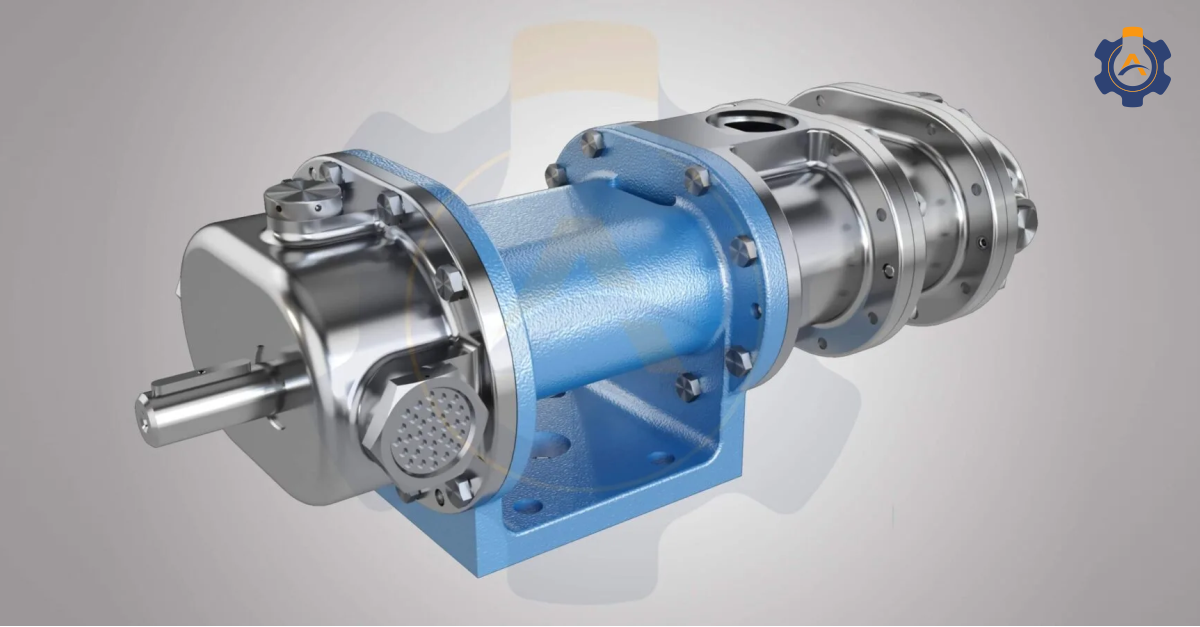
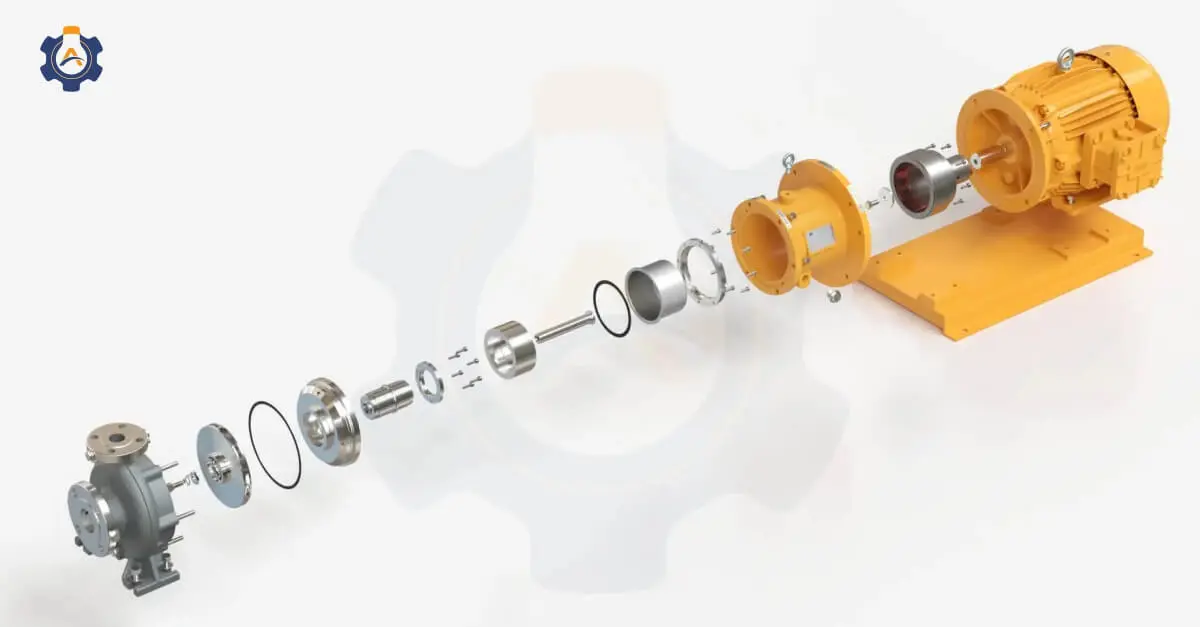
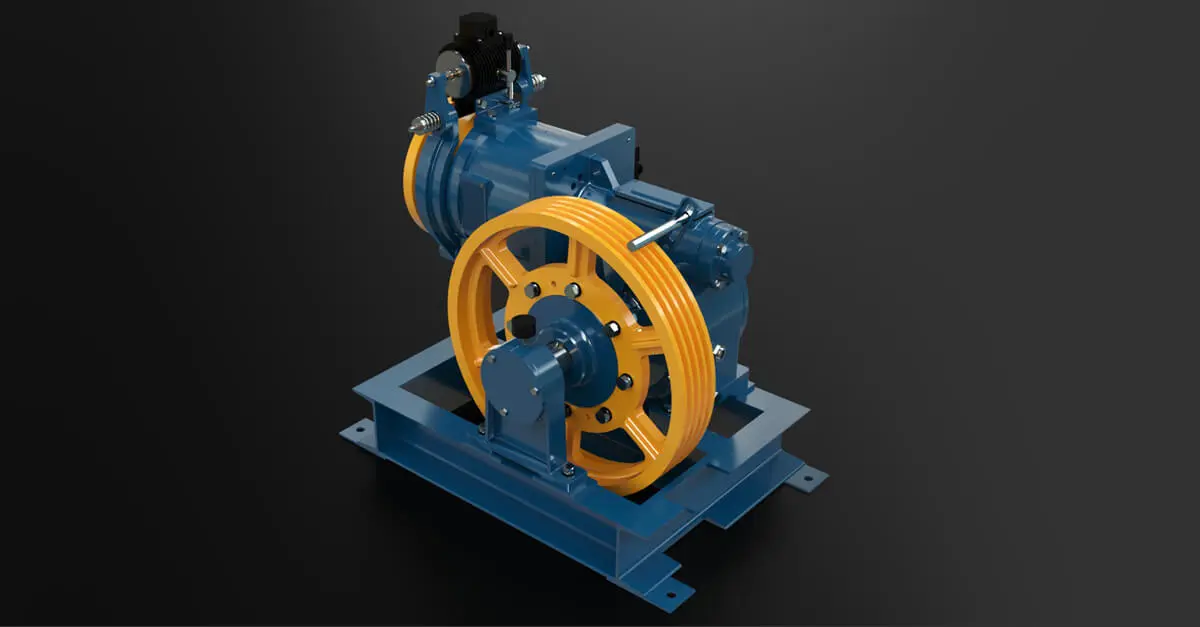
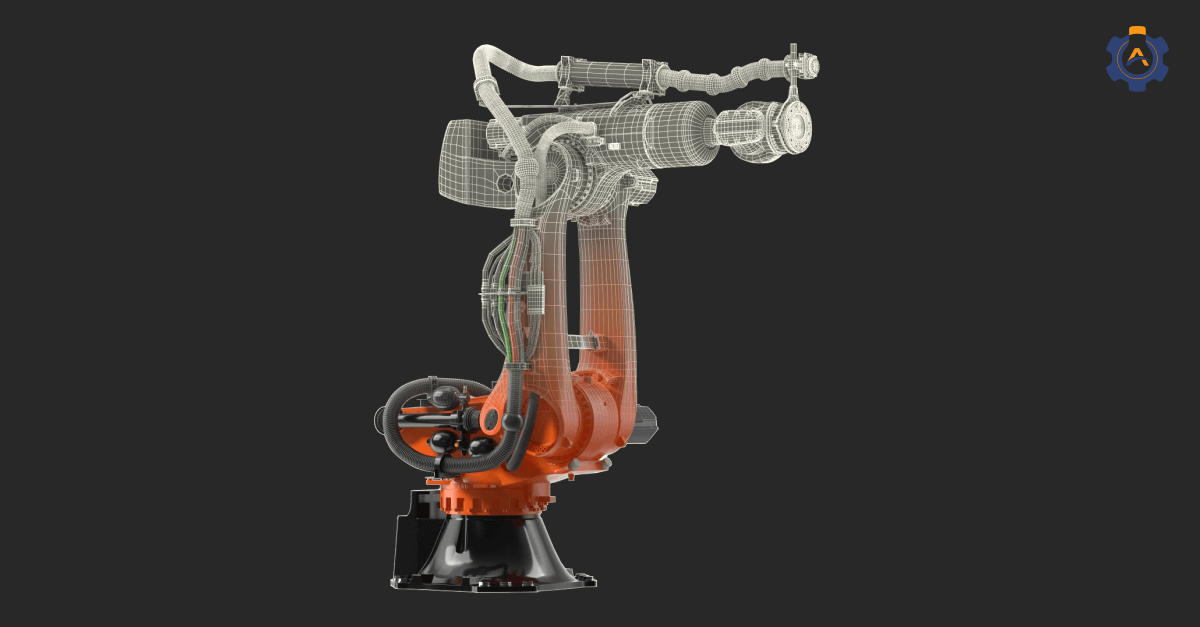
Even the most complicated designs, like heavy machinery, electronic product or any industrial equipment, can be brought to life with prototyping through product rendering. It will showcase the inner workings of a mechanical component to the precise alignment of pipelines in a refinery, all before a single physical part is made!
With prototyping and 3D visualisation, the future of design is already here.
Key-Takeaways
3D product rendering showcases the product’s design, most minor details, and features before physical production.
Autodesk 3Ds Max and Blender are the most popular software for creating 3D product rendering.
You can expect cost-effective prototyping, faster design validation, and design feedback from 3D rendering.
What is Product Rendering and Why Does it Matter?
3D product rendering is a strategic move. You can test ideas faster, pitch confidently, and cut costs while delivering impressive visuals. Plus, in a world where first impressions count, 3D visualisation for product design gives you an advantage over competitors who are still working with physical models of the product.
And let’s not forget marketing. Once your product’s ready, those photorealistic renders will work everywhere.. for campaigns, online, in print, ads, social media, trade shows, exhibitions, etc. All the product launch videos of Apple, Samsung, and other brands you see use 3D rendering!
How Rendering Supports Prototyping?
By using 3D rendering in product development, companies can visualise their concepts in excellent detail without building a physical sample. But how exactly does this benefit the prototyping process? Let’s understand.
1) Faster Design Validation Without Physical Models
Traditionally, testing a new product design meant creating a physical prototype, which takes time and resources.
But with digital prototyping and rendering, you can virtually validate your design concepts. It becomes to see changes such as.. how a machined metal part looks in steel versus anodised aluminium. Or how a heavy-duty industrial valve appears with different surface finishes or coatings.
You can instantly make those adjustments with 3D visualisation for prototypes.
This rapid iteration process saves weeks on physical samples, allowing designers and engineers to make faster, data-driven decisions.
2) Cost-Effective Prototyping with Accuracy
Building physical prototypes is very costly, especially if you need to test multiple versions.
3D rendering for rapid iterations offers a cost-effective solution. Instead of spending on materials, setups, professional photographers and labour, you can create numerous digital variations within your budget.
Plus, the accuracy of 3D rendering allows you to visualize specific details such as surface textures, reflections, and lighting. This means you can identify potential design flaws before production, reducing costly errors.
3) Realistic Feedback with Photorealistic Renders
The common challenge with physical models is that they cannot convey your vision or USP, and they also lack the finish and polish of the final product. Rendering for design validation solves this by creating photorealistic visuals that look real.
When pitching to clients or stakeholders, a digital prototype lets them see the end product with colours, materials, and details. This improves feedback quality and builds confidence in the product’s final look and functionality.
4) Smooth Collaboration and Communication
Rendering for prototyping makes it easier to share and collaborate on design concepts.
Teams can instantly share digital renders instead of shipping physical models every time. This is especially useful for remote collaboration, where teams across different locations need to review and approve prototypes.
With realistic 3D visualisation for prototypes, teams can quickly discuss changes, provide feedback, and make informed decisions without waiting for physical samples to come.
5) Quicker Market Approval with Concept Testing
Testing how a product will be received by the market no longer requires a fully manufactured prototype.
3D rendering in product development allows businesses to create realistic product images for concept testing, marketing campaigns, or customer feedback before production even starts.
You can showcase the product across multiple platforms, gather insights from customers, and refine the design based on their reactions without creating a single physical prototype. This speeds up market validation and helps you enter production with confidence.
How Rendering Improve Design Feedback?
Getting clear and actionable feedback during the design phase is essential for creating a successful product.
1) Clearer Visuals, Better Feedback
3D rendering for collaboration solves this by turning your design into a realistic visual model.
When clients can see every detail clearly, they can provide more accurate design validation with rendering spotting issues or requesting modifications that would be harder to identify with 2D visuals.
2) Faster and More Effective Design Iterations
Product rendering benefits for stakeholder reviews speed up the design iteration process. Instead of waiting for physical prototypes or reworking incomplete design concepts, you can make visual adjustments digitally.
3) More Accurate Client and Stakeholder Reviews
Clients often struggle to interpret technical drawings or CAD models. However, with 3D visualisation for feedback, they can see the product as it will appear in real life. This makes their reviews far more effective.
Best Practices for Product Rendering in Prototyping
Choose the right rendering software – Tools like KeyShot, Blender, or SolidWorks for product visualisation.
Focus on realistic detailing – Accurate textures, lighting, and material finishes.
Incorporate multiple angles and variations – Display different colours, finishes, and dimensions for complete feedback.
Use interactive rendering – 360-degree views or interactive models for in-depth feedback.
Real-World Examples of Product Rendering that Inspire
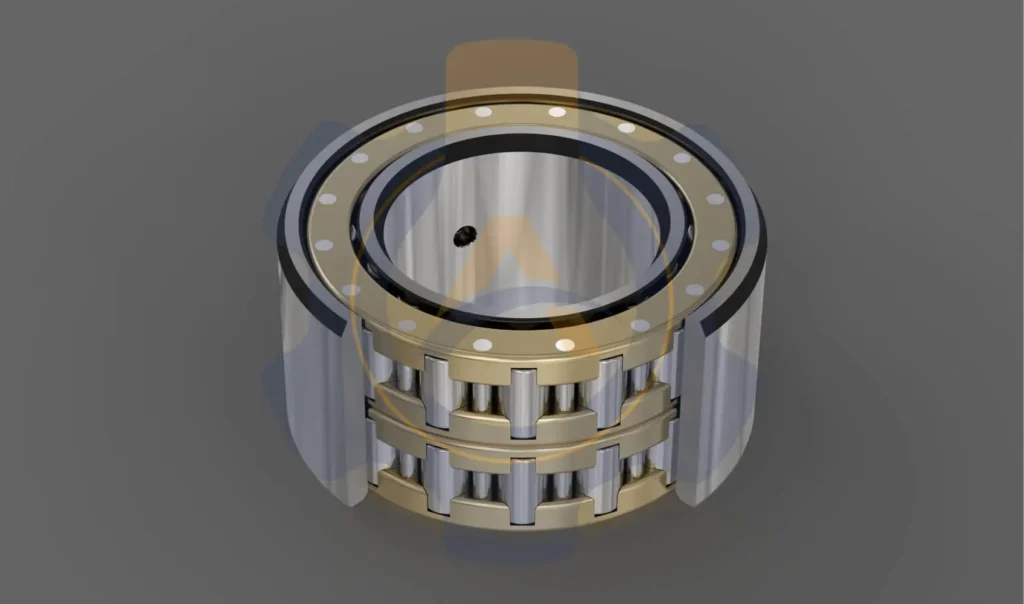
Roller Bearing Rendering
Photorealistic 3D rendering of the roller bearing with precise inner and outer rings, rollers, and cage detailing.
An industrial manufacturer approached Arise Engineering Services to create their roller bearing design before production.
The rendering featured here has accurate material textures, metal finishes, and lighting effects as you can see, it provided a realistic preview of how the roller bearing would look post-production.
We rendered several design variations, allowing the client to visualise different dimensions and finishes.
You will find here our stunning portfolio of 3D-rendered images done for our clients highlighting our commitment to quality and creativity.
FAQ’s
1) Can product rendering replace physical prototypes?
Product rendering can improve the design process but cannot fully replace physical prototypes.
2) What types of rendering are used for product design validation?
Photorealistic rendering, technical rendering, and contextual rendering are types of rendering used for product design validation.
3) How does rendering speed up the design feedback cycle?
Rendering speeds up the design feedback cycle by allowing rapid changes, allowing teams to visualise and refine designs instantly without the delays or costs associated with physical prototypes.
4) Is product rendering cost-effective for startups and small businesses?
Yes, product rendering is cost-effective for startups and small businesses.
5) Can rendering help identify design flaws before production?
Yes, rendering can help identify design flaws before production by providing a visual representation that highlights issues in the product.
Conclusion
Product rendering simplifies prototyping and design feedback, helping you spot defects and refine ideas early. Choose Arise Engineering Services to bring your products to life for excellent results and product rendering services.